BDK Native Rebuilt: Preview + Mobile for Bubble and Vibe-Coded Web. A Native Path, Not a Bubble Mobile Runtime and Not Agent 2
How a non-technical founder can quickly check a Bubble web app or vibe-coded MVP on a real phone with BDK Preview, what to prepare before testing, and why it does not replace native Bubble Mobile.
You've launched an MVP on Bubble, or vibe-coded a web product in Lovable, Replit, or Next.js. The next thing you want is to get it onto a real phone: show it to early users or angel investors and collect first feedback. That's where people start mixing up two different things: wrapping an existing web app and building a true native mobile app. Same topic: Google Play (US): Private Vibe-Coded.
In 2026, BDK Native repositioned itself. It used to be a Bubble-only wrapper. Now it's a packaging and build service for any browser-hosted web app. Here's what the rebuilt tool gives you for fast validation, and where its hard architectural limits are.
What Rebuilt BDK Native Is: The Two-App Architecture
The biggest change in the rebuilt BDK is that mobile work is split between two separate, free apps:
- BDK Preview: a view-only mobile app for hands-on testing and client demos. It loads your live, published web URL inside a native container on a real device, before you pay for any build.
- BDK Native mobile app (together with the thebdk.com web portal): the management layer. This is where you configure projects, manage invites, set up preview parameters, and start paid app store builds.
For early MVP validation, the split makes sense. You can feel how a native shell behaves on physical hardware without paying build fees or waiting on store approvals.
What BDK Native Is Not
Three separate things showed up in late 2026, and founders chasing fast no-code results tend to blur them together:
- It is not Bubble Agent 2. Bubble announced Agent 2 at its October 2026 founder AMA. It's a ground-up rebuild of Bubble's own AI Agent, shipped alongside an in-editor preview tab. BDK is a third-party mobile shell service, not an AI that writes your app logic.
- It is not the Bubble Mobile runtime. Bubble's official native mobile builder uses dedicated mobile views and a shared backend, and it doesn't render web markup in a browser view. BDK sits in the category Bubble's documentation calls web wrappers: your responsive web layer runs inside a native webview shell.
- It is not proof you're ready for the app store. A preview URL that opens fine doesn't mean the product is ready for store submission. Same topic: The BubbleGo Outage: What Actually.
Core Architecture: Live URLs and Instant Updates
BDK is a native shell that loads your customer-facing web URL. Native capabilities (camera, geolocation, biometric prompts) are called straight from the web layer through the Bubble plugin or the @thebdk/native library.
That gives you a clear tradeoff:
- Fast validation: every web deploy shows up on installed devices right away. No new binaries, no new platform review.
- Operational blast radius: installed shells load live web code, so a broken web release or frontend error hits mobile users immediately.
What to Prepare Before Running BDK Preview
Before you load a Bubble app or vibe-coded prototype into BDK Preview, have these ready:
- A published live URL and a custom domain. Unpublished draft links fail in preview.
- Test credentials, if your staging environment sits behind a password or authentication gate.
- A loading-screen design, so users see your brand instead of a blank white screen while the webview hydrates its assets.
Honest Preview Limits and Readiness Checklist
BDK Preview gives you native shell behavior, but it has documented limits:
- You don't get a custom home-screen app icon in BDK Preview.
- Push notifications, deep linking (Branch/ChottuLink), and In-App Purchases (IAP) in preview run on BDK-owned or BDK-branded test infrastructure. They confirm the workflow fires. They don't validate store-ready entitlements.
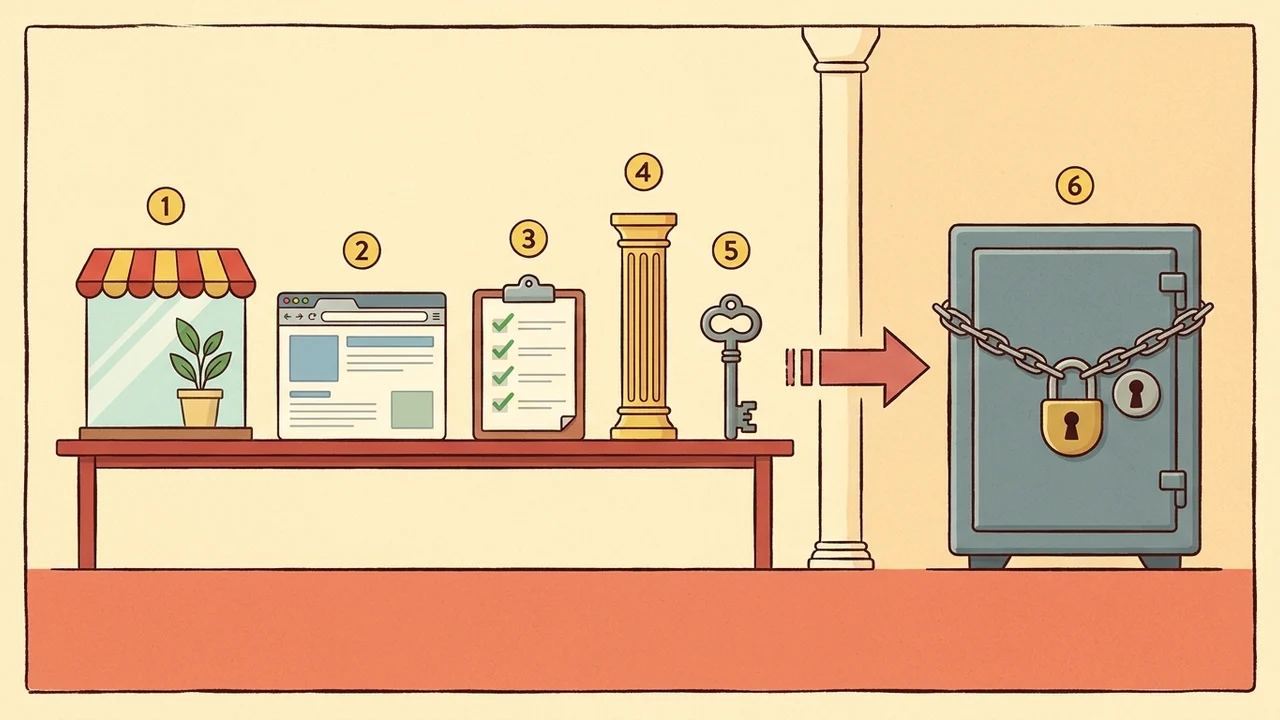
| Item | In BDK Preview | Limit |
|---|---|---|
| Custom home-screen app icon | — | Not available |
| Push notifications | Runs on BDK-owned or BDK-branded test infrastructure; confirms the workflow fires | Does not validate store-ready entitlements |
| Deep linking (Branch/ChottuLink) | Same test infrastructure; confirms the workflow fires | Does not validate store-ready entitlements |
| In-App Purchases (IAP) | Same test infrastructure; confirms the workflow fires | Does not validate store-ready entitlements |
Before I'd order production builds, I'd go through BDK's agent readiness checklist by hand, on a device:
- Embedded webview OAuth: Google, Apple, and other social sign-in flows complete inside the webview and aren't rejected by the identity provider.
- Account deletion: users can permanently delete their account from inside the app. Store review guidelines require it.
- Viewport and safe areas: fixed headers, floating nav bars, and input fields respect notches and home indicator gestures.
- Session persistence: users stay logged in after the app goes to the background and comes back.
- Digital goods checkout: your web checkout doesn't break platform digital-goods rules and get you rejected.
You can't catch these by reading code in the editor. You have to tap through them on a physical device.
Which Path Fits Your MVP: BDK or Native Bubble Mobile?
If you already have a responsive web MVP on Bubble or a vibe-coded frontend, and the next milestone is a working prototype on a phone within days, for feedback or an investor pitch, BDK Preview is the fastest route. You don't end up maintaining two codebases.
If your team is already building in Bubble's native mobile builder with dedicated mobile views, stay there. Those projects run on a dedicated mobile runtime. BDK is built to package browser-hosted web apps into a deployable shell. Worth reading next: Launch Kit Beta After the.