A Weekend Bubble Prototype Is Not a Launch: Checklist, Security Dashboard, and a 5-User Test in 7 Days
Green checks in Bubble's Security Dashboard confirm database configuration, not usability. Here is why I'd run a 7-day test with 5 target users before any public launch.
The Illusion of a Weekend Build
You built an app prototype in Bubble over one weekend. Buttons open the right popups, workflows save records to the database, signups work. It feels great. Same topic: You Built It in Bolt,.
Then you open Bubble's pre-launch guide, run the Issue Checker, and look at the Security Dashboard. Everything is green. The database looks locked down, so the instinct is to share the link publicly, announce the release, or start paying for ads. A closer look: Governance Week: Cursor Canvases vs.
For a non-technical founder, this is a dangerous shortcut. A sound database configuration and a product ready for real users are two different milestones.
What Bubble's Security Dashboard Actually Confirms
Bubble's own documentation says it plainly: neither the Security Checklist nor the Security Dashboard covers every security scenario. They are automated audit helpers. Responsibility for app security stays with the builder. Same topic: Bubble MCP Security: Five Questions.
The Security Dashboard checks configuration hygiene:
- Server-side Privacy Rules on your data types.
- Exposure of sensitive backend workflows.
- Collaborator permissions and admin access.
There is one limitation experienced builders know well. The Privacy Rules Checker needs representative data. If your Development database is nearly empty or holds placeholder rows like "test," the scan won't catch field-level privacy leaks. Real visibility issues often show up only once you deploy and sync realistic records that link users, roles, and organizations.
And the bigger point: these tools tell you the app doesn't leak data. They don't tell you whether a newcomer understands the first screen.
Prototype Usability Versus Real User Behavior
Bubble's guide to testing app ideas draws a clear line between two stages: a clickable prototype and a micro-MVP.
A clickable prototype is for testing usability along the critical path with a small group of target users, usually 5 to 10 people. You watch whether they find the main actions and understand the form fields without help.
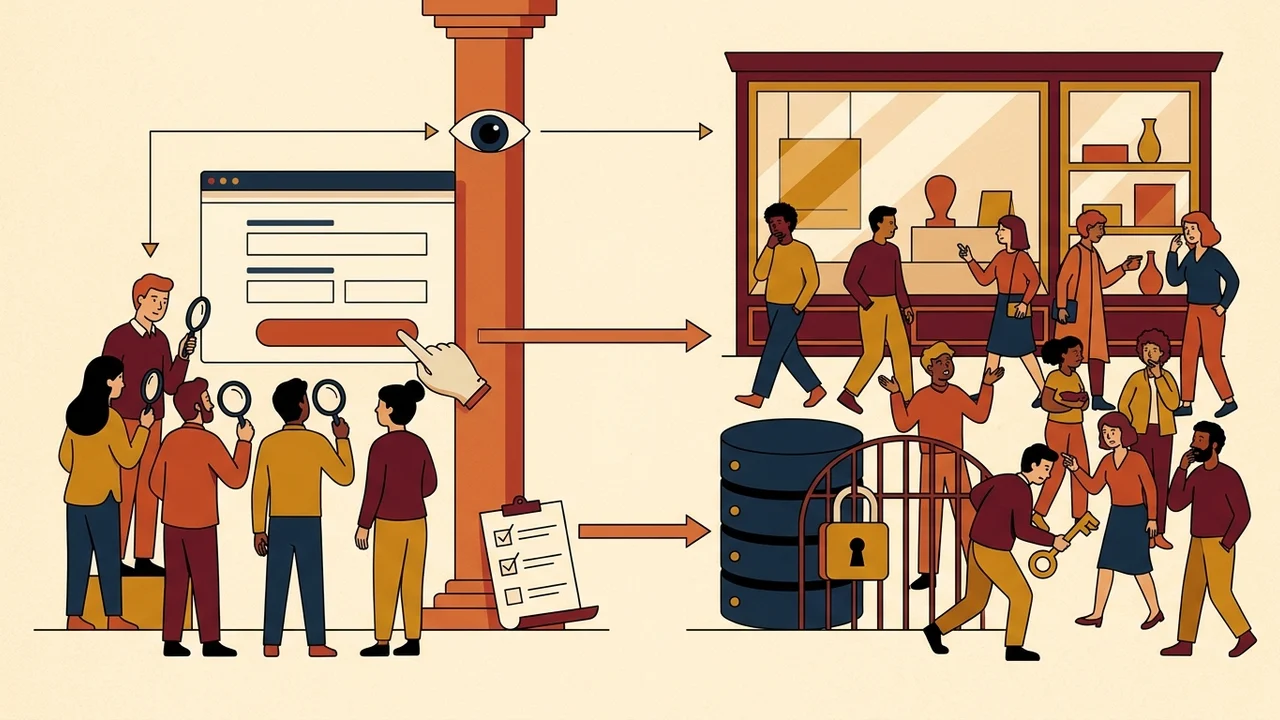
A micro-MVP is when people use the app on their own, in their daily context. That's where you track activation, return visits, and actual requests.
Skip the prototype test and push straight to a wide audience, and you burn your early interest. Visitors who get stuck on an unclear step leave and don't come back. You'll never know whether the idea failed or the onboarding was just confusing.
The 7-Day, 5-User Testing Loop
Responsible development playbooks and design frameworks, including the GV Design Sprint and GOV.UK usability testing standards, work in a fast weekly rhythm. If you built the prototype over the weekend, I'd spend the next 7 days on moderated testing before launch.
Why 5 users. Research by Jakob Nielsen at NN/g shows that 5 users typically uncover around 85% of usability problems in a specific workflow. That's not proof of market demand and not a green light for a full launch. It is an efficient qualitative way to surface the obvious bottlenecks.
Here is how I'd run the loop in 7 days:
- Recruit 5 people who have the specific problem. No friends, no family, no fellow builders. You need people who actually feel the pain your app addresses.
- Give them one realistic task. Not "explore the app." An exact goal on your primary flow, for example: "Create an account and submit your first service request."
- Run a moderated session with think-aloud. Ask participants to say out loud what they think, what they're unsure about, and where they hesitate as they move through the screen.
- Stay silent and watch. Don't explain your interface. If someone spends 30 seconds looking for a button, write it down and keep your hands off.
- Fix the critical blockers. Five sessions will show you two or three recurring friction points. Fix those in Bubble before you open the app to outside traffic.
The Founder's Decision
Bubble's Launch Checklist and Security Dashboard give you technical permission to test safely without risking data leaks. That configuration work is mandatory.
Permission to launch comes from real users. Spend 7 days watching 5 people go through your primary flow, and the traffic you pay for later lands on a product that actually works.