JetBrains Air: Teams, Governance, and ACP — habits to copy into a solo Bubble stack
How non-technical founders building Bubble MVPs with vibecoding can adopt agent governance, permission modes, and sandboxing from JetBrains Air.
On September 22, 2026, JetBrains announced JetBrains Air — an umbrella initiative for agentic development that spans local IDE workflows, team collaboration (Air Teams), and organizational policies (Air Governance, formerly Central). Alongside this, JetBrains highlighted the Agent Client Protocol (ACP v1), an open protocol enabling editors to communicate with various coding agents. A closer look: Salesforce Builder Central Beta: Why. Same topic: Salesforce Builder Central: beta week.
For a solo founder or non-technical creator building an MVP on Bubble with AI-assisted "vibecoding," concepts like enterprise governance and ACP might sound remote. However, they address a universal challenge: how to rapidly turn an idea into a working prototype without allowing AI to corrupt app logic, break data schemas, or stall your launch right before user testing and pitch meetings. Worth reading next: Copilot + Entra: NL app-building.
There is no native JetBrains Air integration inside Bubble's visual editor, and ACP remains an external protocol. Even so, the operational discipline behind Air offers high-value habits that any solo no-code builder can immediately adopt. Same topic: BubbleGo’s end and npm in.
1. Separate Plan from Edit: The Power of Permission Modes
JetBrains Air explicitly structures agent permissions across distinct modes: Plan, Ask, Edit, and Full Access (with documentation highlighting Full Access as carrying elevated risk).
When vibecoding an MVP, non-technical builders often make the mistake of asking an AI to simultaneously invent logic, select third-party plugins, and build workflows. In Bubble, where database relationships and workflows are interconnected, this easily leads to broken logic.
- Practical Habit: Keep your AI in a "Plan" mode first. Prompt the model to output data models, privacy rules, and conditional logic as plain text descriptions or checklists.
- Only after reviewing and confirming the conceptual plan should you manually configure the fields and elements inside Bubble. Same topic: n8n 2.35+: Agents preview, MCP,.
2. Isolate Tasks Before Merging to the Core App
Air isolates agent tasks in temporary environments (such as Git worktrees or Docker containers) so that generated changes can be inspected before becoming part of the main codebase.
In Bubble, editing live data types or modifying shared backend workflows without isolation can instantly disrupt existing functionality.
- Practical Habit: Always leverage Bubble’s version branches or build on an isolated sandbox page when testing a new AI-generated feature.
- Create a Savepoint before configuring complex webhooks, custom API Connector calls, or conditional states suggested by AI. If the setup fails, you can roll back cleanly.
3. Tool Boundaries: Agent Harness vs. Sensitive Credentials
Air cleanly separates the agent communication protocol (ACP) from connector policies (such as MCP tool allowlists). Administrators can strictly determine which tools and data sources an agent is allowed to access.
As a solo no-code founder, you should apply the same strict perimeter. While an AI agent running in an external chat or CLI window can help structure your API payloads, it should never have direct access to your administrative Bubble API keys or live Stripe credentials.
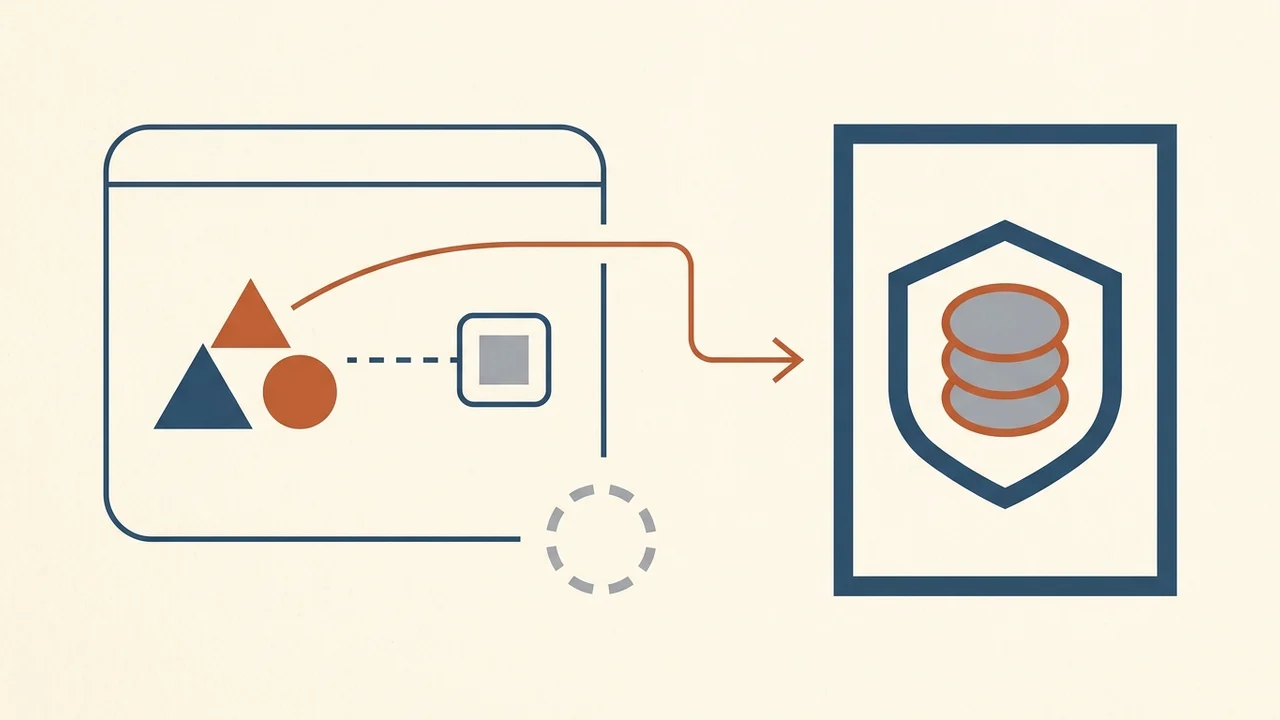
- Practical Habit: Treat your AI assistants as external advisors. Share anonymized data structures and API documentation snippets, but never paste production secrets or real customer data into prompts.
4. Session Tracking and Credit Budgeting
Air Governance includes features like Session Explorer and credit spend controls to ensure transparency over which agents and models are used and how tokens are consumed.
When validating an MVP on a tight budget, unguided prompt iterations across high-tier frontier models can drain testing funds without yielding a stable feature.
- Practical Habit: Maintain a lightweight log (in Notion or a spreadsheet) of prompt structures that produced reliable Bubble workflows versus those that produced dead ends. Track your AI tooling expenses so your exploration remains cost-effective.
Summary: Move Fast Without Breaking Your Launch
You do not need complex developer tooling or traditional code to build a resilient product. The objective of an MVP is to get your concept into users' hands and collect early feedback as quickly as possible. Borrowing governance habits from Air — structured planning, sandboxed testing, and strict credential isolation — lets you build fast while keeping your Bubble application dependable.