Microsoft Canvas Studio (Preview): Agentic Coauthors in a Canvas. It's a Studio Session, Not the Bubble Editor and Not Agent 2
Microsoft opened a preview of the in-studio authoring agent in Power Apps canvas studio. Here's what non-technical founders building MVPs with nocode and vibecoding can take from its plan-then-build workflow and review guardrails.
On October 27, 2026, Microsoft announced an in-studio preview of its authoring agent inside Power Apps canvas studio. The headlines went straight to "agentic coauthoring in a canvas." I can see how that reads to a non-technical founder building an MVP with nocode tools or vibecoding: it sounds like fully autonomous app generation has arrived in every visual builder. Same topic: Google Play (US): Private Vibe-Coded.
It hasn't. This is not the Bubble editor and not Cursor's chat canvases. It also has nothing to do with some hypothetical catch-all product called "Agent 2." It's an enterprise-scoped authoring surface built only for Power Apps canvas apps.
I still took apart how the coauthoring session works, and it's a strong example of human-in-the-loop engineering. Maybe you're a solo builder validating an idea, testing an MVP with early customers, or pitching initial traction to investors. Either way, the guardrails Microsoft built in here are worth copying into your own workflow.
Inside the In-Studio Authoring Agent
First, the timeline. On September 1, 2026, Microsoft made a separate canvas authoring agent plugin generally available (GA). That one is for external coding agents like GitHub Copilot CLI or Claude Code, and it works through the Model Context Protocol (MCP) and .pa.yaml source sync. The late-October announcement covers a different setup: a native Authoring agent pane in the left rail, right next to the visual WYSIWYG canvas. A closer look: Copilot Code (Frontier → Work.
Here's how the session runs:
- Prerequisites and identity. A tenant admin enables "Agentic Coauthoring in Power Apps using GitHub" in the Power Platform Admin Center. The maker opens the studio and connects a GitHub.com account. That account powers the underlying authoring tools, and consumption is billed to it.
- Plan, then build. You type a prompt in natural language, but the agent doesn't jump straight into UI edits. It first produces a formal Canvas App Plan that lists the proposed screens, the intended data usage, and its explicit assumptions and limitations.
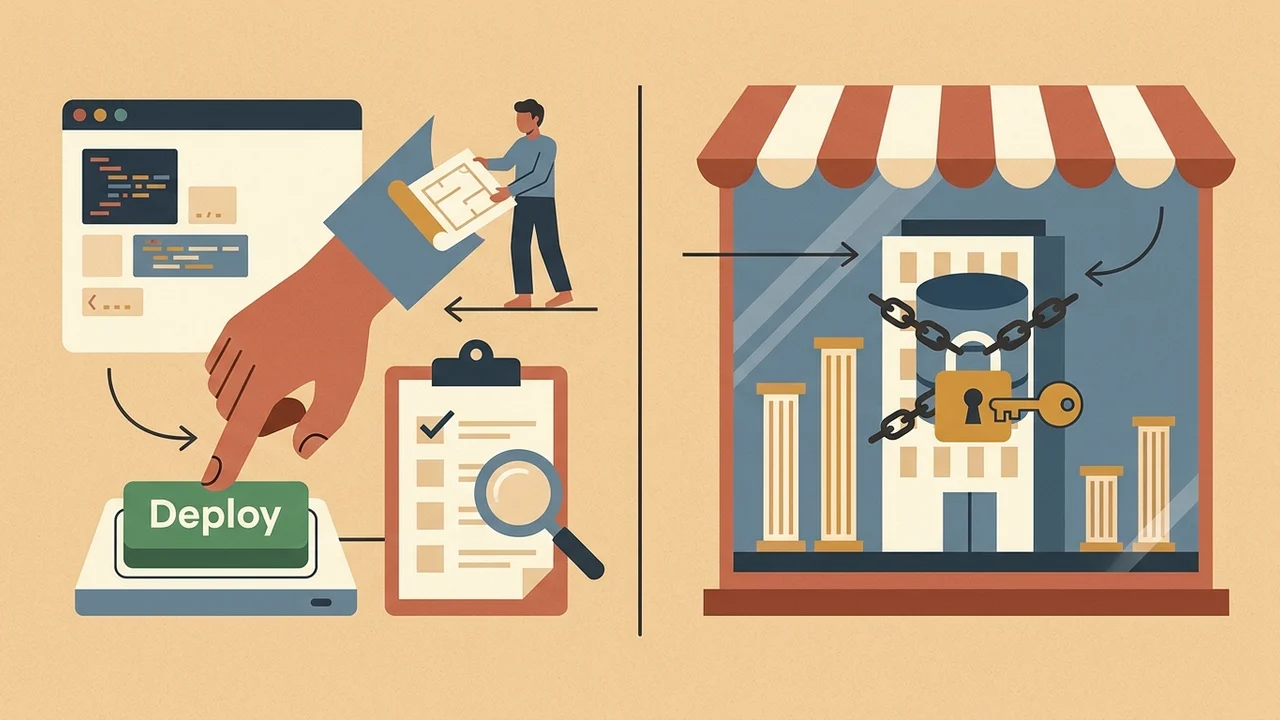
- A mandatory plan approval gate. The agent can't touch the canvas, create controls, or generate Power Fx formulas until the maker clicks "Yes, continue" or sends corrections through "Suggest changes."
- Build and self-repair. After approval, the agent builds the screens and formulas. It keeps running internal checks the whole time to catch and fix generation errors.
- Standard output. You end up with a regular canvas app. You can still tweak it by hand or keep prompting.
The Guardrails of Preview
The Microsoft Learn documentation sets strict limits on the in-studio integration:
- It's available only in the United States and only in English.
- It's explicitly a preview and isn't supported for production workloads.
- The platform fixes the AI model in the studio integration, and you can't swap it.
- Your prompts and app context are sent to GitHub, as the platform disclosures say.
- Crucial functional restrictions: the agent can't add or modify in-app sample/business data. It can't upload images. And it can't save, publish, or share the app.
The maker stays the only publisher and gatekeeper.
Actionable Review Habits for Solo MVP Builders and Vibecoders
If you build without deep technical training, having AI assemble your pages and workflows gives you real leverage. Without limits, though, AI code generation leads to broken edge cases and fragile architecture. These are the review habits from Microsoft's studio design that I'd apply to any nocode or vibecoding stack.
1. Enforce a Strict "Plan Gate"
Don't let an AI assistant, coding agent, or vibecoding prompt start building multi-screen logic or database workflows until it has laid out its assumptions. Say the agent decides your database doesn't need unique user identifiers. Or it assumes an order can complete without a payment confirmation state. If you only catch that after the layout is rendered, you've lost launch time you can't spare. Ask for an explicit outline of screens, data touchpoints, and limitations before any builder touches the canvas.
2. The Three-Step Maker Inspection
Microsoft deliberately barred the authoring agent from saving, publishing, or sharing, so human review becomes a mandatory release step. I'd treat my own releases the same way. Before your MVP goes to early users or prospective investors, run this inspection:
- Tree View audit: check the hierarchy of visual containers and elements. Make sure the generation didn't leave nested clutter, overlapping containers, or orphaned visual groups that drag down mobile performance.
- Formula and property inspection: read through the conditionals and dynamic expressions. If you can't tell how a generated condition evaluates, stop and figure it out before you test live.
- Interactive Play preview: click through the entire journey yourself. Simulated prompts can't replace navigating the app with your own hands.
3. Structural Scaffolding vs. Surgical Manual Edits
Agents handle broad, repetitive work well: scaffolding three related screens, laying out standard input forms, generating boilerplate layouts. Prompting over and over to nudge padding by 4 pixels, tweak font weights, or change a single button color is a different story. It burns token budget and can slip subtle regressions into logic that already worked. Let the AI handle the heavy scaffolding, and make the micro-adjustments yourself in the visual editor.
What to Adopt Today vs. What Stays in Enterprise Preview
Leave the tenant settings, GitHub enterprise billing hooks, and US-only preview constraints to large IT departments.
If you're an independent founder building on Bubble or putting an MVP together with vibecoding, the takeaway for you is different. Real speed comes from disciplined oversight. Treat generative tools as coauthors who have to submit a plan for your sign-off. Keep the deploy button in your own hands. And check every critical workflow yourself before your product goes in front of the market. Worth reading next: Copilot + Entra: NL app-building.