The 23 Sep workflows incident: a minimal status-page runbook for a solo Bubble app
When your MVP loads fine but workflows fail: practical takeaways from Bubble's 23 September 2026 incident and a lightweight operational runbook for non-technical solo founders.
When launching an MVP using no-code platforms or vibe-coding, speed is everything. You want to get your product in front of early users, test customer demand, and gather early feedback or traction for investors. In a solo setup, there is no DevOps team on call: when something goes wrong, you are the entire incident response team. A closer look: Salesforce Builder Central Beta: Why.
On 23 September 2026, many Bubble creators faced an unexpected operational hurdle. Starting around 19:10–19:30 UTC, workflows that had run reliably for years suddenly failed. Users were greeted with generic temporary error prompts or explicit messages such as “Unexpected server error: please report the code parameter to the team.” Curiously, app pages loaded normally, and the official status page at status.bubble.io continued to report “fully operational.” Same topic: Techshots’ Claude Artifacts “beta upgrade”. Worth reading next: Slow Pages and Conditional Regressions.
At 19:35 UTC, Bubble forum staff member fede.bubble shared that the team was aware and “reverting back a buggy deploy.” By approximately 20:00–20:03 UTC, recovery was confirmed on the forum. Yet as of 28 September 2026, no dedicated incident page or formal postmortem has appeared on status.bubble.io. For solo builders, waiting for an official postmortem is not a viable strategy. You need a practical, lightweight incident runbook today. A closer look: Bubble September 2026 Update: The.
Understanding the Partial Platform Failure Mode
Most non-technical builders assume downtime means a total outage—the page won't load at all. But the 23 September event was a classic partial platform failure:
- Your app's visual interface renders quickly and cleanly.
- When a user clicks a button to sign up, submit data, or purchase, the backend workflow fails.
- The platform-level status indicator remains green because the underlying web cluster is reachable.
To early customers and testers, this looks like a bug in your application, not an infrastructure issue. Having a runbook ready prevents panic and protects your user trust.
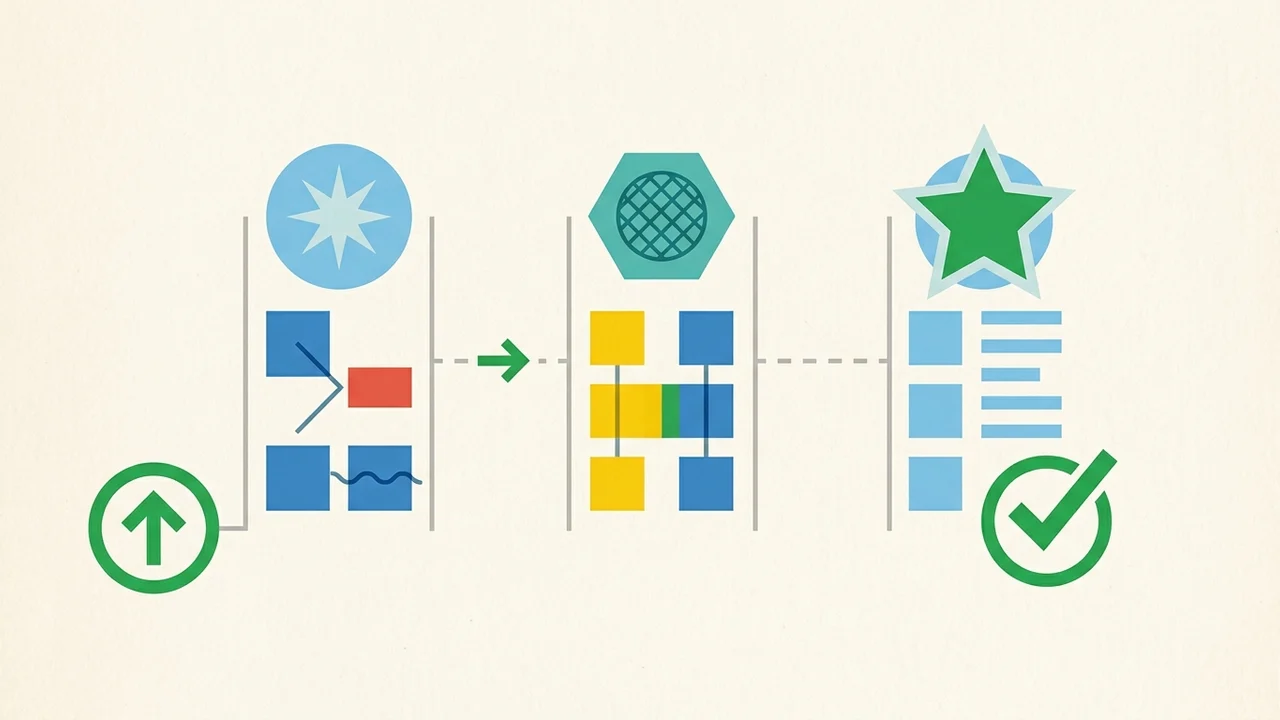
Step 1: Where to Verify Real Status (The Three Signals)
Never rely on a single green indicator. Build a three-tier signal check:
- Official Status Page (https://status.bubble.io)
Click Subscribe to updates. Bubble moved its status page to Incident.io in October 2025, offering email and RSS/Atom feeds (SMS and status webhooks were discontinued). While this is the primary channel, partial workflow disruptions can lag significantly behind user experience. - Bubble Community Forum (“Bugs” & “Need help” categories)
During the 23 September incident, community threads began surfacing reports at 19:10 UTC—well before any platform acknowledgment. When multiple unrelated apps experience identical workflow errors simultaneously, the forum is your fastest real-time verification radar. - Bubble In-App Server Logs
Check your application's Logs tab. If backend tasks report generic server crashes or unhandled execution errors without any recent changes on your end, it confirms a platform-level issue rather than application logic or workload capacity limits. Worth reading next: Official Bubble MCP: Beta Status,.
Step 2: What to Tell Customers (Fact-Safe Templates)
When early users encounter broken buttons, silence or speculation erodes confidence. Avoid asserting unverified root causes, but do provide calm, transparent guidance.
Customer Support / Banner Template:
“We are currently monitoring a temporary cloud platform disruption affecting action workflows. Our pages are active, but some actions (such as submissions or account updates) may temporarily return an error. The platform provider is actively resolving the issue. Please try your action again in 15–20 minutes. If you completed a payment, rest assured that transactions will be reconciled once platform operations stabilize. Thank you for your patience!”
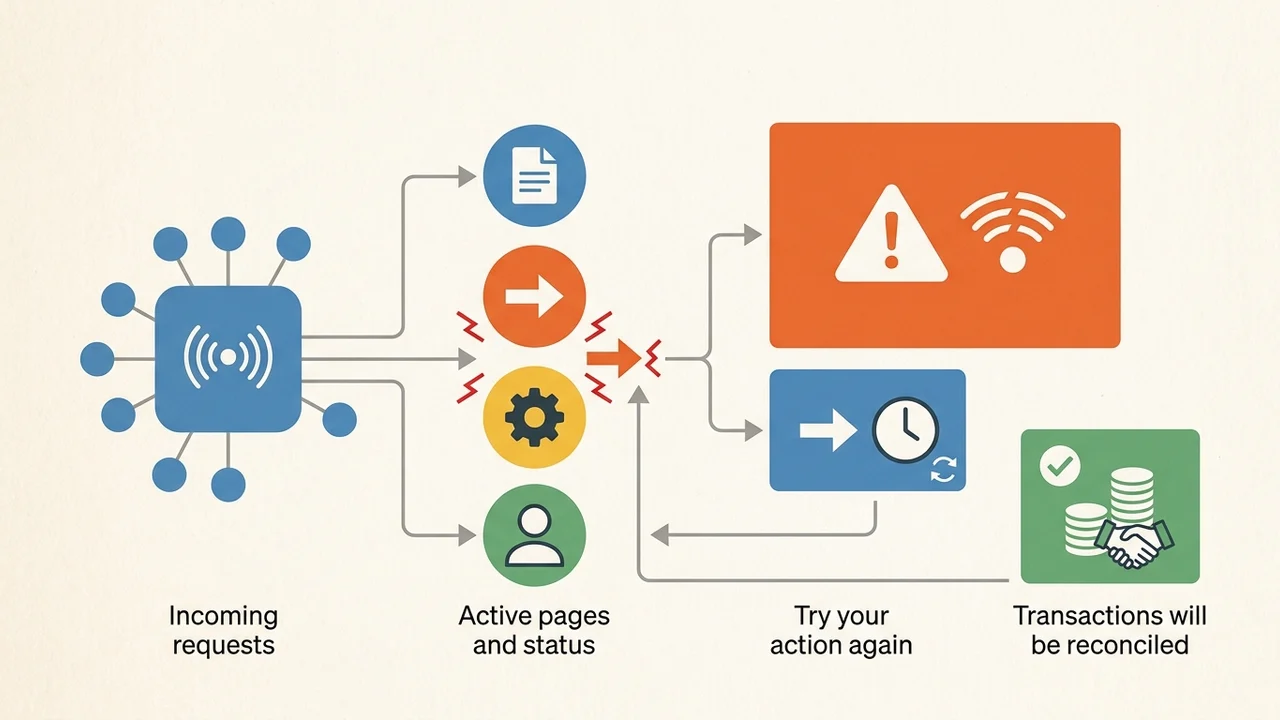
Key rules for customer updates:
- Advise retrying only for safe, idempotent actions (e.g., submitting a search or feedback form).
- Explicitly reassure users regarding billing and account status.
- Remove status banners promptly once forum reports and personal logs confirm normal operation (the 23 September issue recovered within ~30–50 minutes of the rollback announcement).
Step 3: Workflows Not to Treat as Single Points of Failure
Building fast with no-code often tempts founders to chain complex logic directly into a single workflow. The 23 September incident highlights three architectural areas that require safety margins:
- Payment Webhook Handlers (e.g., Stripe)
If payment notifications arrive while backend workflows are failing, customer accounts might not update automatically. Ensure critical webhook payloads can be reviewed or replayed from your payment dashboard, and conduct a manual reconciliation after any unexpected platform disruption. - Scheduled Backend Workflows
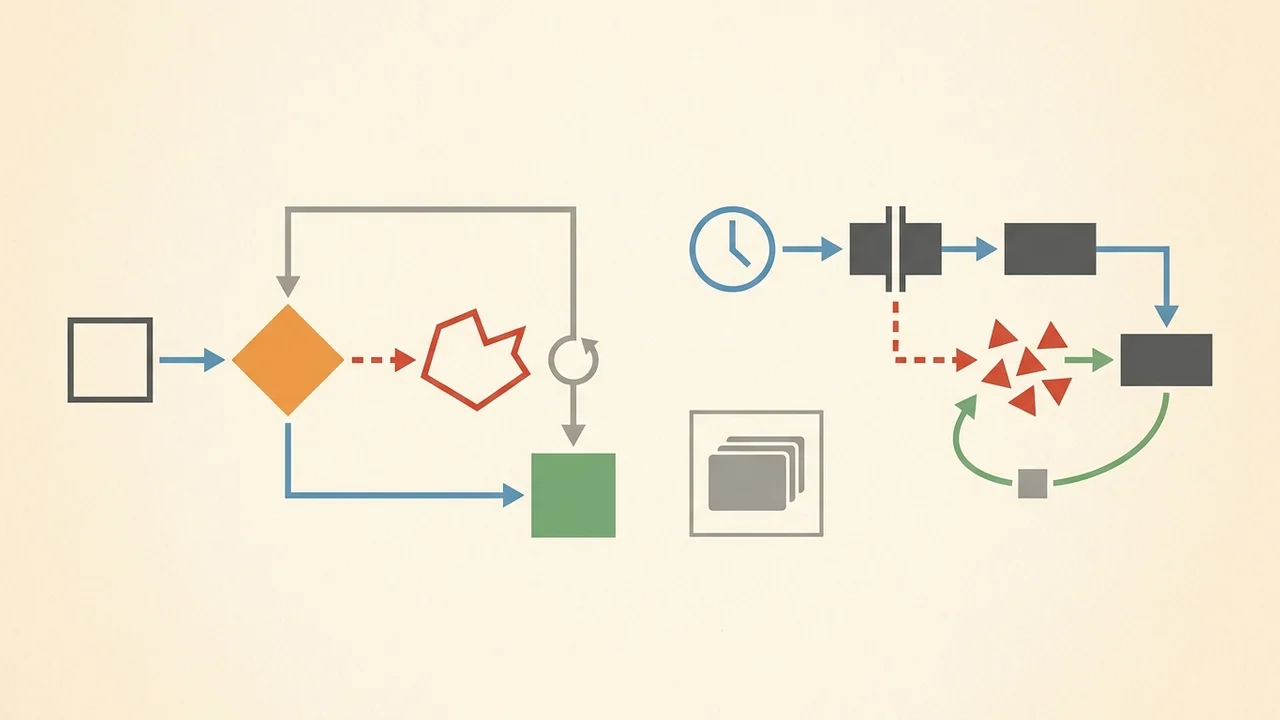
While brief database interruptions often trigger automatic retries, community discussions and support notes highlight that extended disruptions may cause scheduled tasks to miss their window. Do not leave mission-critical daily tasks running without logging or periodic verification. - Double-Click Protection (Idempotency)
When an action hangs or errors out, users naturally click the button repeatedly. Disable buttons during execution and structure workflows so that accidental retries don't create duplicate records or charges once connectivity restores.
No-code and vibe-coding empower solo founders to build at lightning speed. Adding a simple three-step runbook ensures that when platform hiccups occur, your MVP handles them like an established product.