Claude Code 2.1.304+: I Run MCP Tasks and Elicitations in a Sidecar Session. They Are Not Agent 2 and Not Prod-MCP Clearance
Claude Code CLI v2.1.304+ adds public beta support for MCP Tasks and mid-task Elicitations. Here is how I handle them in a sidecar terminal while building MVPs on Bubble, why they are not subagents, and how I keep production databases out of reach.
When I launch an MVP on Bubble with vibe coding and a terminal assistant, I'm tempted to hand long tasks to the AI and walk away. On October 23, 2026, Anthropic announced public beta support for MCP Tasks and updated Elicitations in Claude Code CLI. The official documentation lists v2.1.304+ as the minimum version. But the 2.1.304 changelog from October 19 doesn't mention these capabilities. The rollout depends on client feature flags. A closer look: AI Coding Agents vs. Assistants.
If you're a non-technical founder trying to validate an idea quickly, two misconceptions show up. One: treating MCP Tasks as an autonomous "Agent 2" delegation layer. Two: assuming a newer CLI build clears your tools to touch the production Bubble database. Both create risks you don't need. Same topic: Bubble MCP server: Three Meanings.
What MCP Tasks Are (and Why They Are Not Subagents)
MCP Tasks are server-side asynchronous jobs. They run on the MCP Tasks extension, protocol revision 2026-07-28. The tool call returns as soon as the server accepts the work. Claude Code then polls the server status in the background, shows progress in the footer and in /tasks, and hands the final output to Claude without flooding the conversation transcript.
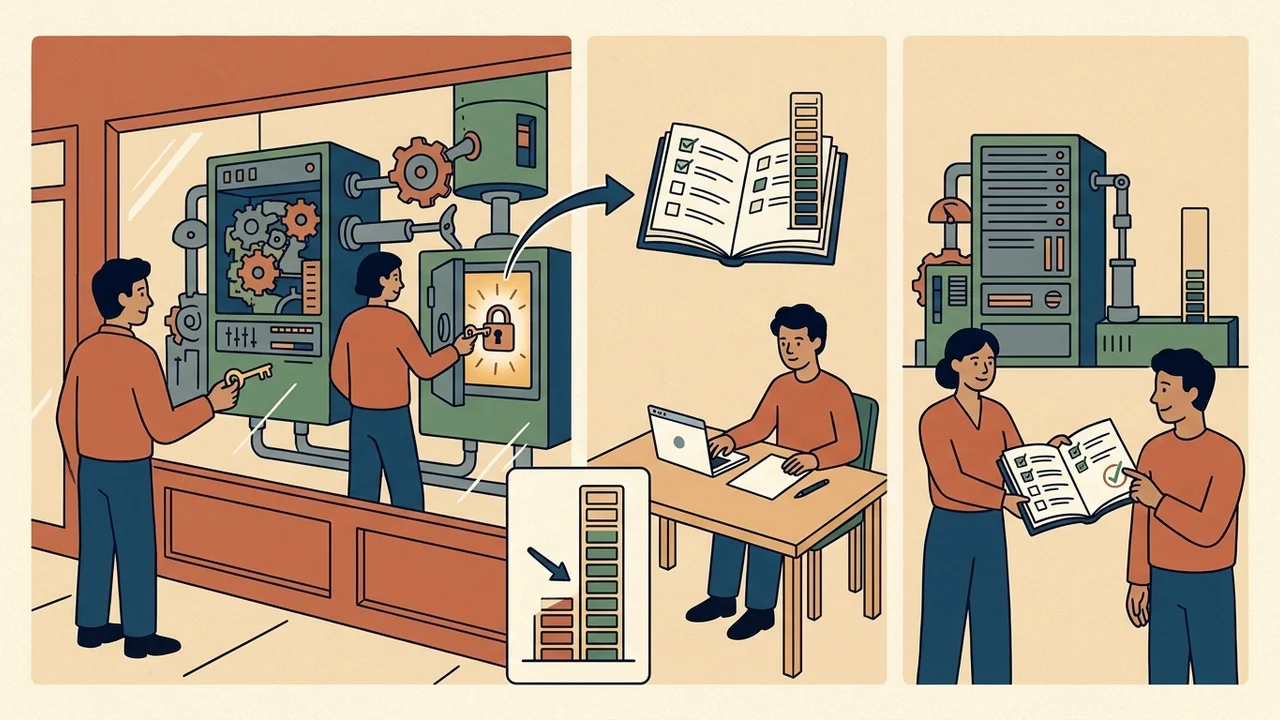
This is a different thing from client auto-backgrounding. That mechanism moves a standard MCP tool call to the background after roughly two minutes when the server lacks the Tasks extension.
Don't confuse MCP Tasks with subagents either. The /tasks view collects all background activity in the session: background bash commands, completed subagents, and MCP tasks. An MCP task is just an asynchronous job run by a specific tool server. No independent agent is making decisions there. And subagents can't start MCP Tasks at all. Only the primary conversation can.
Elicitations and the Unattended Execution Trap
Elicitations let an MCP server pause mid-job and ask the user for structured input, through a form or a URL, using input_required or elicitation/create. Elicitation support in the CLI goes back to at least v2.1.76 in March 2026. The v2.1.310 update on October 23 only dealt with elicitation timeout messaging.
Two constraints decide how this plays out in my workflow:
- If the
/tasksoverview modal is open in the terminal, the elicitation prompt stays hidden. Pressing Esc or declining counts as an explicit no. - In non-interactive runs, like headless
claude -pinvocations or automated scripts, any task that triggers an elicitation request gets cancelled. Client-side elicitation hooks and Agent SDKonElicitationhandlers don't run in unattended sessions.
So if you run an unattended script to scrape data or transform records for an MVP, it fails the moment an MCP server asks for interactive input.
The Eligibility Matrix: Why Tasks May Not Trigger
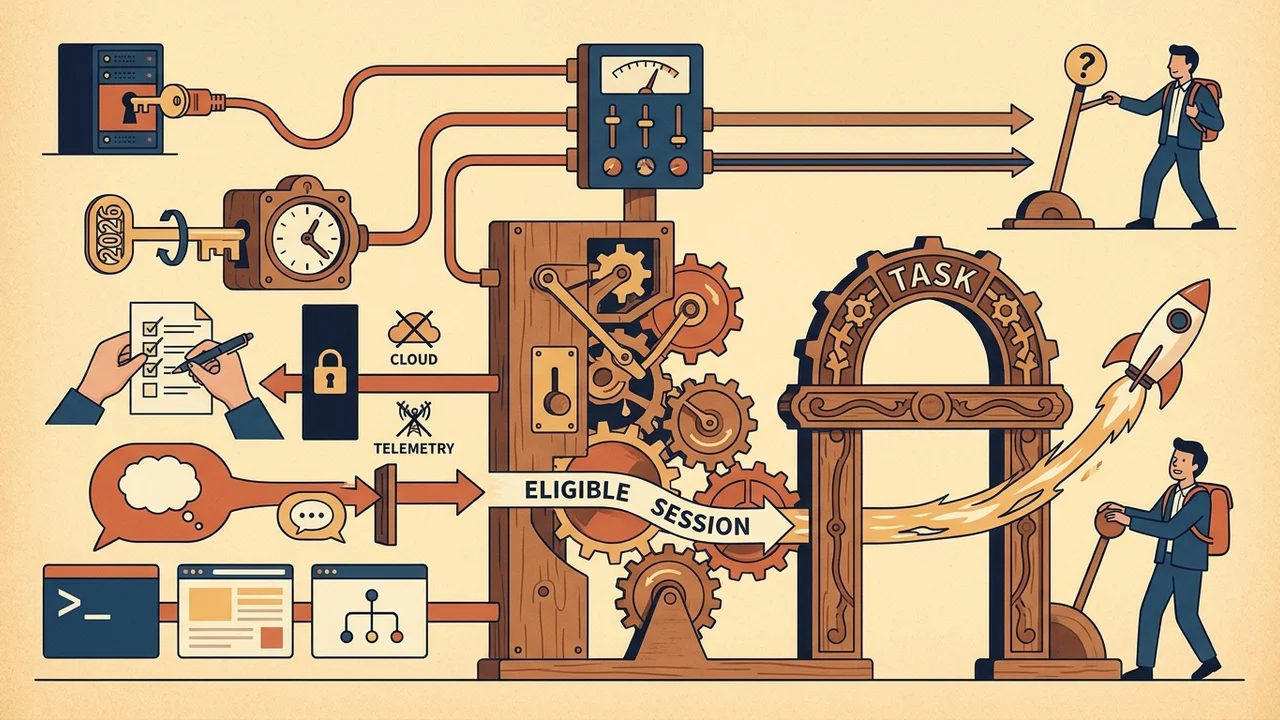
Updating to CLI v2.1.304+ doesn't guarantee MCP Tasks will activate. Five gates have to pass at once:
- The connected server implements the MCP Tasks extension.
- Communication uses protocol revision
2026-07-28. - Feature-flag retrieval is enabled. Sessions running through Bedrock or Vertex, or environments with telemetry and flag fetching disabled, don't get Tasks.
- The call comes from the main dialogue thread, not a subagent.
- The session runs in a supported surface: interactive terminal CLI, Agent SDK, or GitHub Actions. The VS Code extension and the desktop app are excluded for now.
Running a Sidecar Session for Bubble MVPs
When I test MVP flows, I run Claude Code in a sidecar terminal next to the Bubble editor. I can watch the tasks without breaking my main development flow.
Remote-server tasks can keep running after you close the CLI session. To track them again, though, you have to resume the original session with the same server configuration. A fresh, unlinked session won't reconnect to the background job.
I use /tasks to check job states without stopping my main conversation.
A New CLI Version Is Not Prod Clearance
Once long jobs succeed in a local test run, it's tempting to plug in production database credentials or live Bubble API endpoints and let the CLI update real customer data.
Nothing in Anthropic's documentation treats a newer CLI release or a successful beta session as permission to attach production MCP servers. Your organization's security boundaries stay where they were. For early MVP iteration, I connect tools only to development databases (Bubble's Dev version) and sandbox endpoints. Keep beta tooling away from production systems. Worth reading next: OpenAI DevDay: Codex cloud envs,.