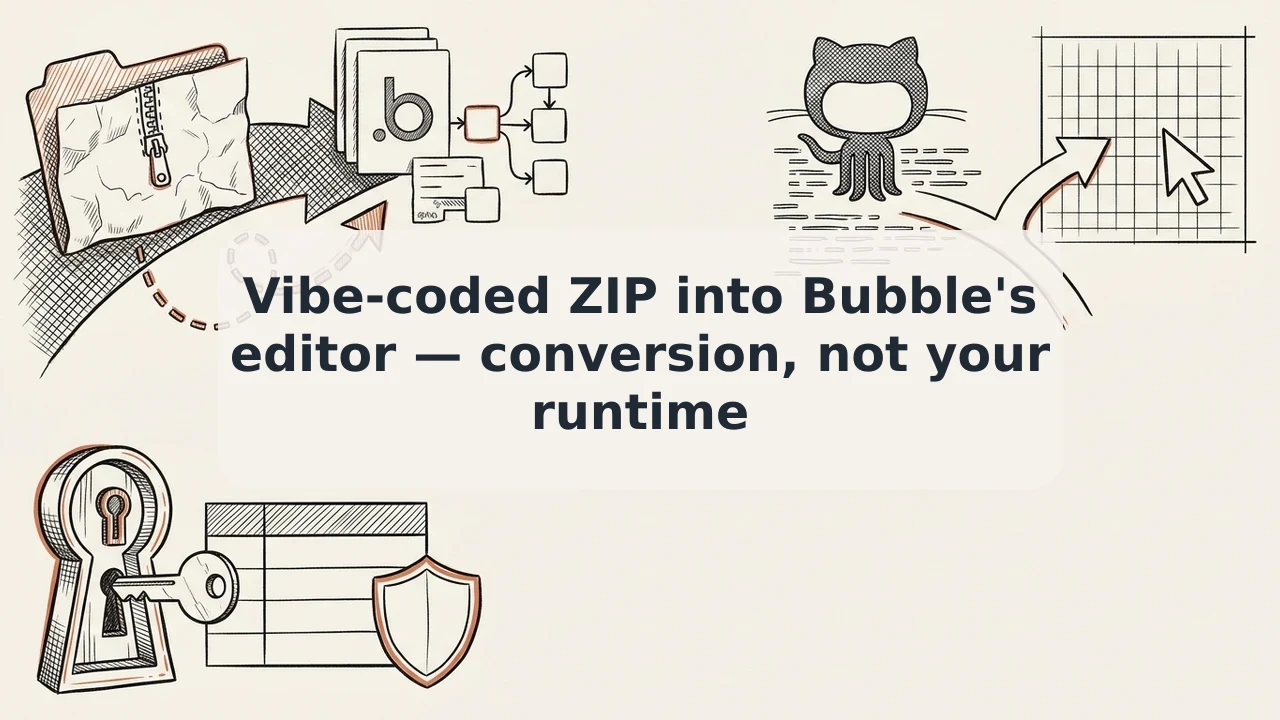
Universal Import (Beta): Vibe-Coded ZIP/GitHub Into Visual Bubble. A Conversion Into the Editor, Not a Runtime and Not Reverse
What Bubble's Universal Import beta means for non-technical founders: how to bring a v0, Lovable, or Replit vibe-coded prototype into Bubble's visual editor, why it is a rebuild and not a runtime, and what you have to fix before launching your MVP.
Vibe coding has made it much cheaper for non-technical founders to test a software idea. In a matter of hours, v0, Lovable, Replit, or Claude can generate a slick interface you can pitch to early users or investors. Then you hit a wall. Backend workflows, databases, and UI changes still seem to need code.
Bubble's new beta feature, Universal Import (under Innovation Lab), tries to close that gap by bringing coded prototypes into the visual editor. If you misunderstand how it works, you pay for it at launch. So here is how it actually works. A closer look: Reverse.dev and Innovation Lab This.
Understanding Universal Import: Conversion, Not Runtime Execution
Start with this: Universal Import does not run or host your external code stack (React, Next.js, Node.js) inside Bubble.
It is an onboarding conversion pipeline:
- You supply the prototype as a ZIP archive or a single HTML file. For projects on GitHub, you download the repo as a ZIP. There is no active bi-directional GitHub sync.
- Bubble analyzes the codebase structure and rebuilds it as native Bubble visual elements, styles, and workflows.
- After processing, you land in the standard Bubble visual editor. From there you manage the app visually or change it with Bubble AI.
The official documentation lists exports from Lovable, v0, Base44, Replit, and Claude as supported starting points and says other standard codebases may also process successfully. It also documents an alternative: an MCP-assisted rebuild through external AI coding agents.
Clearing the Confusion: Universal Import vs. Reverse.dev vs. Legacy Import
Innovation Lab has several experiments, and they are easy to mix up:
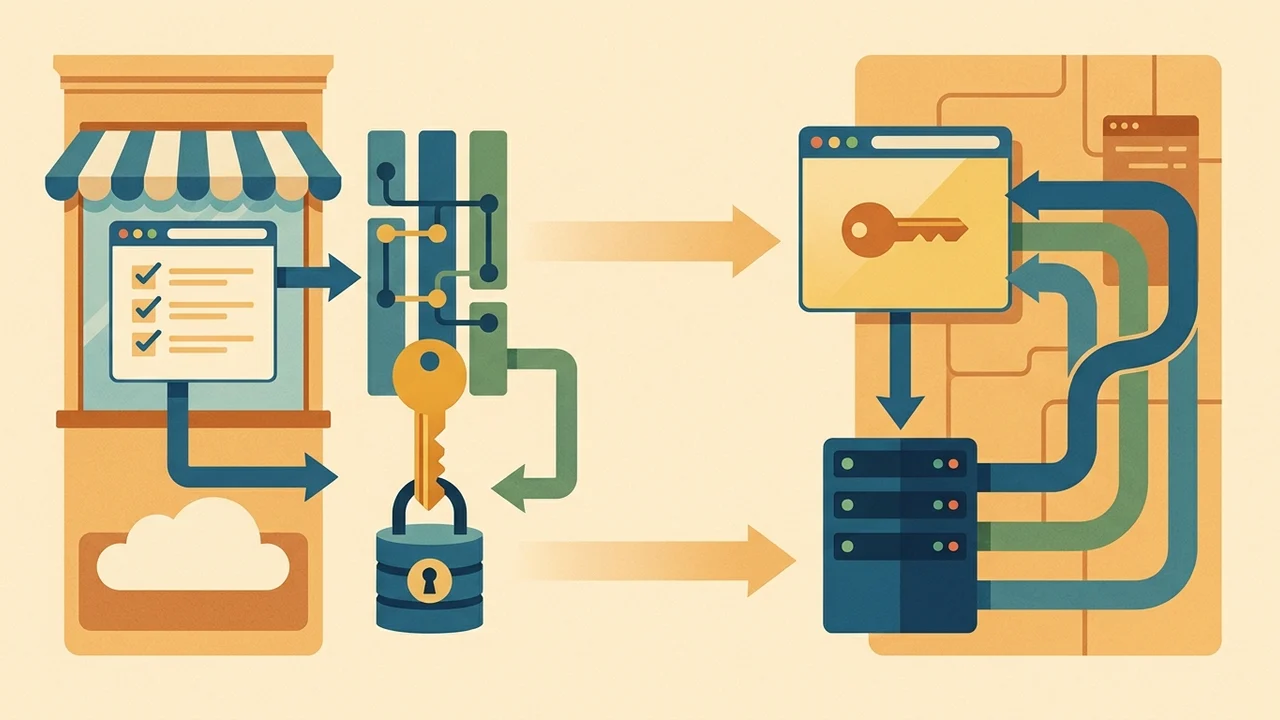
- Universal Import (Beta): rebuilds an external codebase into native Bubble pages and workflows. Control moves to the Bubble visual editor and Bubble hosting.
- Reverse.dev: a separate Innovation Lab tool. It gives you a visual editing layer connected directly to a GitHub code repository, with branches and pull requests. It does not turn your project into a Bubble-hosted application.
- Legacy
.bubbleJSON Import: an older configuration restore tool under app settings. It has nothing to do with modern vibe-coding workflows. Same topic: Reverse.dev for Teams: Can Bubble’s.
| Tool | What it is for | What it is not for |
|---|---|---|
| Universal Import (Beta) | Rebuilds an external codebase into native Bubble pages and workflows; control moves to the Bubble visual editor and Bubble hosting | — |
| Reverse.dev | Visual editing layer connected directly to a GitHub repository, with branches and pull requests | Does not turn your project into a Bubble-hosted application |
Legacy .bubble JSON Import |
Older configuration restore tool (under app settings) | Modern vibe-coding workflows |
Why an Imported App Is Not Ship-Ready
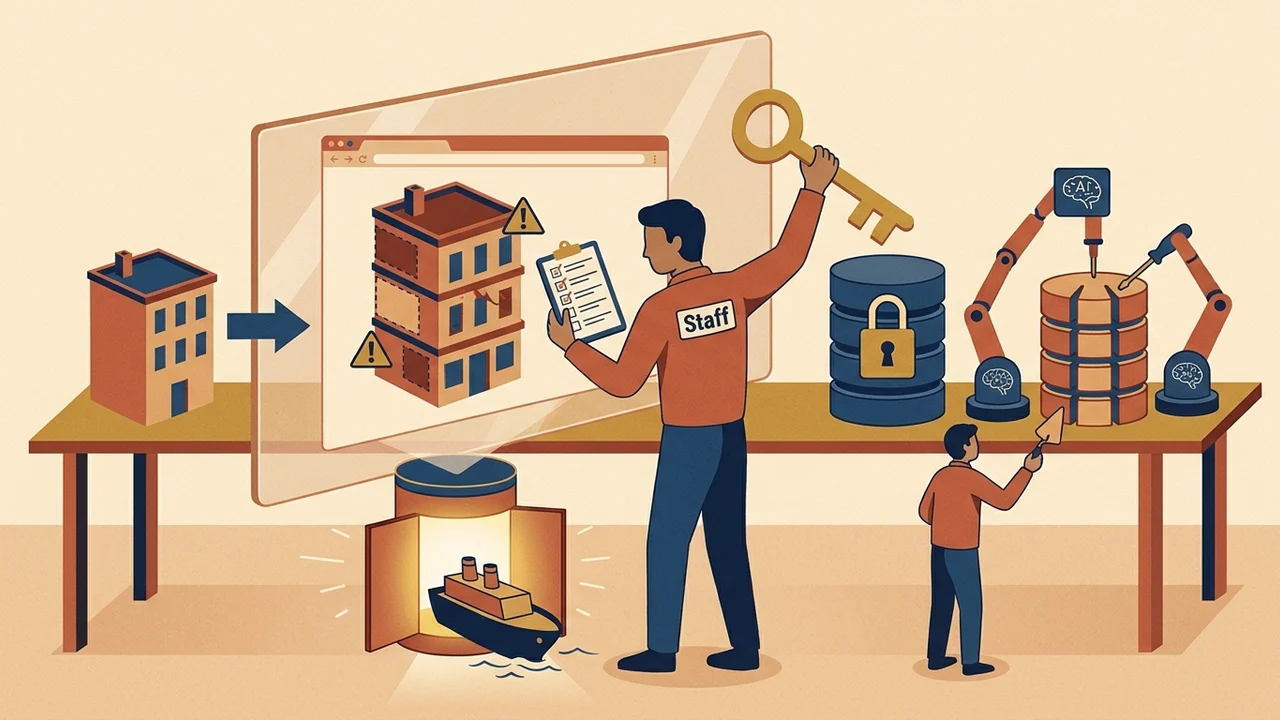
Marketing copy tends to sell import tools as an instant path to production. The beta says otherwise. Bubble staff have noted that early internal builds handle prototypes respectably, but the output has flaws that need manual review and AI refinement.
Bubble's own documentation lists what gets left behind. Fix all of it before launch:
- Missing secrets and API keys: code exports routinely strip API keys, webhooks, and third-party integrations (Supabase setups, for example). You configure these connections in Bubble by hand.
- Database records: Bubble tries to infer data structures (Data Types) from your code, but records from your external database do not carry over automatically. Production data has to be imported separately.
- Privacy and permissions: you have to check access control and privacy rules yourself. If you assume an imported prototype is locked down out of the box, you ship with a security problem from day one.
A Practical MVP Checklist for Founders
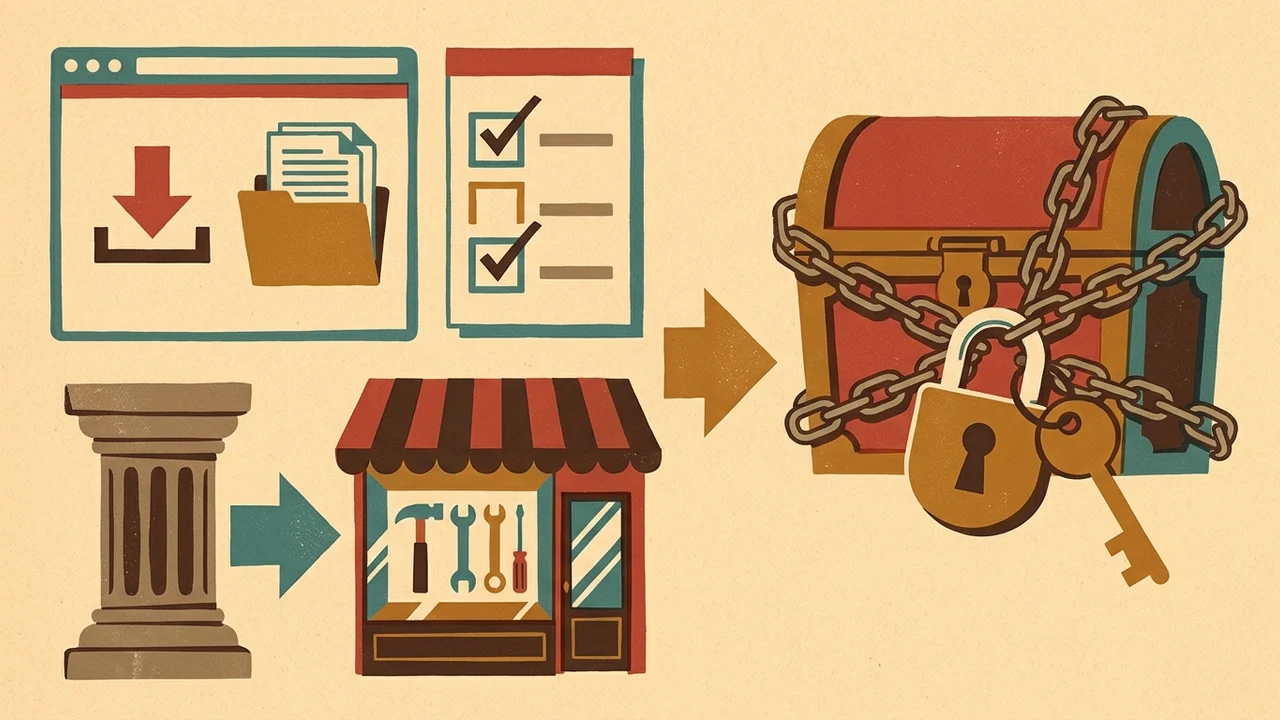
If you built a prototype with vibe-coding tools and can't maintain it in code, Universal Import gives you an accessible on-ramp into no-code. Treat it as a structural head start, not a one-click deployment. This is the order I'd follow:
- Export cleanly: download your prototype as a ZIP directly from your generator (v0, Lovable, Replit, etc.).
- Run the import: upload via
bubble.io/importand check how the visuals came through in the generated editor. - Rebuild the data foundation: audit the generated data types, add your initial test data, and configure privacy rules.
- Reconnect services: add the third-party API credentials you need through Bubble's plugins or the API Connector.
- Click through key user flows: test every sign-up, submission, and interaction by hand before you show the product to real customers or investors.
| Step | Do this | Check or outcome |
|---|---|---|
| 1. Export cleanly | Download your prototype as a ZIP directly from your generator (v0, Lovable, Replit, etc.) | Clean export from the source tool |
| 2. Run the import | Upload via bubble.io/import |
How the visuals came through in the generated editor |
| 3. Rebuild the data foundation | Audit the generated data types, add initial test data, and configure privacy rules | Solid data layer before launch |
| 4. Reconnect services | Add third-party API credentials through Bubble's plugins or the API Connector | External services wired again |
| 5. Click through key user flows | Test every sign-up, submission, and interaction by hand | Ready before real customers or investors see the product |