Bubble Secrets Scanner: How to Catch and Fix Leaked API Keys in Your MVP
When you launch a Bubble MVP fast without a technical background, it's easy to expose secret API keys to the browser. Bubble's Secrets Scanner flags these leaks, but fixing the setting in the editor is only half the job.
The usual setup: you need an MVP live in days to test customer demand and pitch early investors. At that speed, security settings slip through. Nocode tools and vibe-coding let non-technical founders connect Stripe, LLMs, and third-party databases in hours. Then one misplaced credential or one unchecked parameter in Bubble puts live API keys right inside the end user's browser. Worth reading next: Business of Building 2026: 250k+.
The damage is real: unauthorized data access, compromised accounts, and surprise API bills that can derail a startup before launch. Worth reading next: Shopify Canvas: Building a Storefront.
What Is New: The Secrets Scanner Check
Bubble added a dedicated secrets scanning check to its Security Dashboard. The dashboard used to be Flusk, and after a migration in October 2025 it now lives under scan.bubble.io. The scanner runs automated checks across your app and looks for API keys and sensitive credentials exposed where the client can see them, such as page code. Same topic: Claude Code 2.1.287: What Non-Technical.
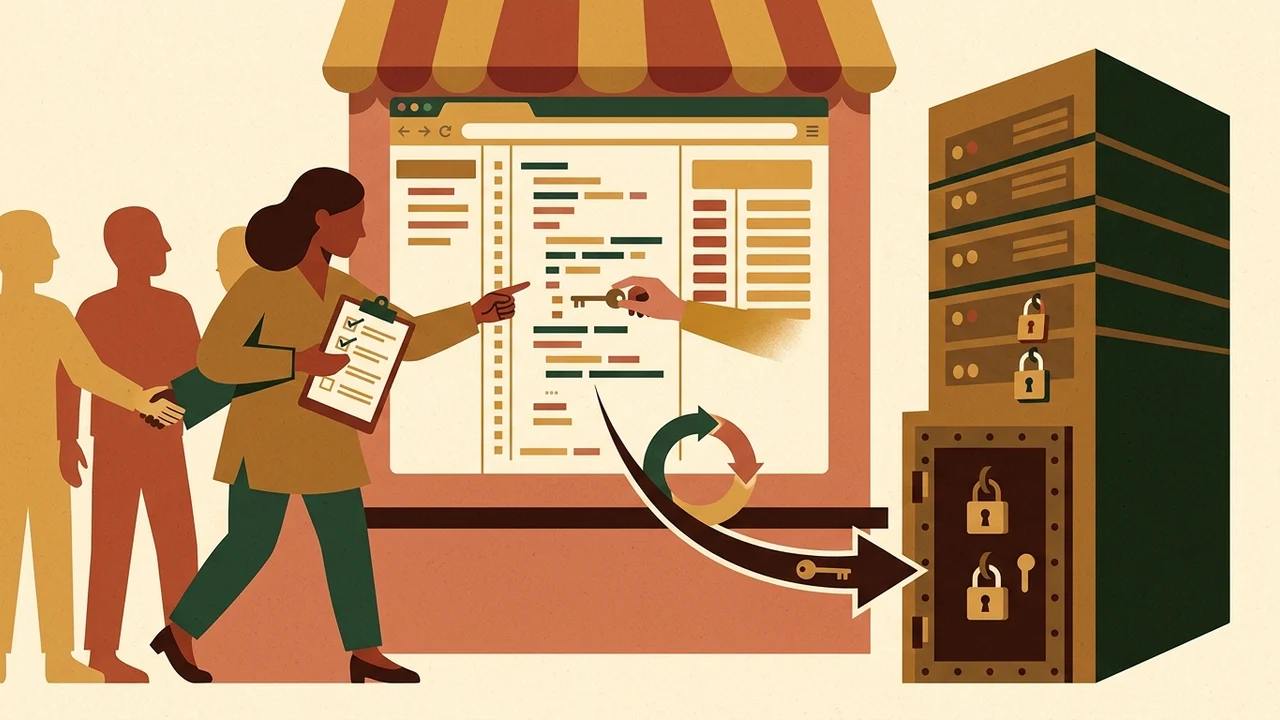
Bubble's product announcement says the feature flagged exposures in hundreds of applications in its first week. That's a vendor-reported number. It's a useful safety net for builders, but I want to be clear about what it covers and what it doesn't. Worth reading next: What a bubble.io App Actually.
How the Scanner Workflow Operates
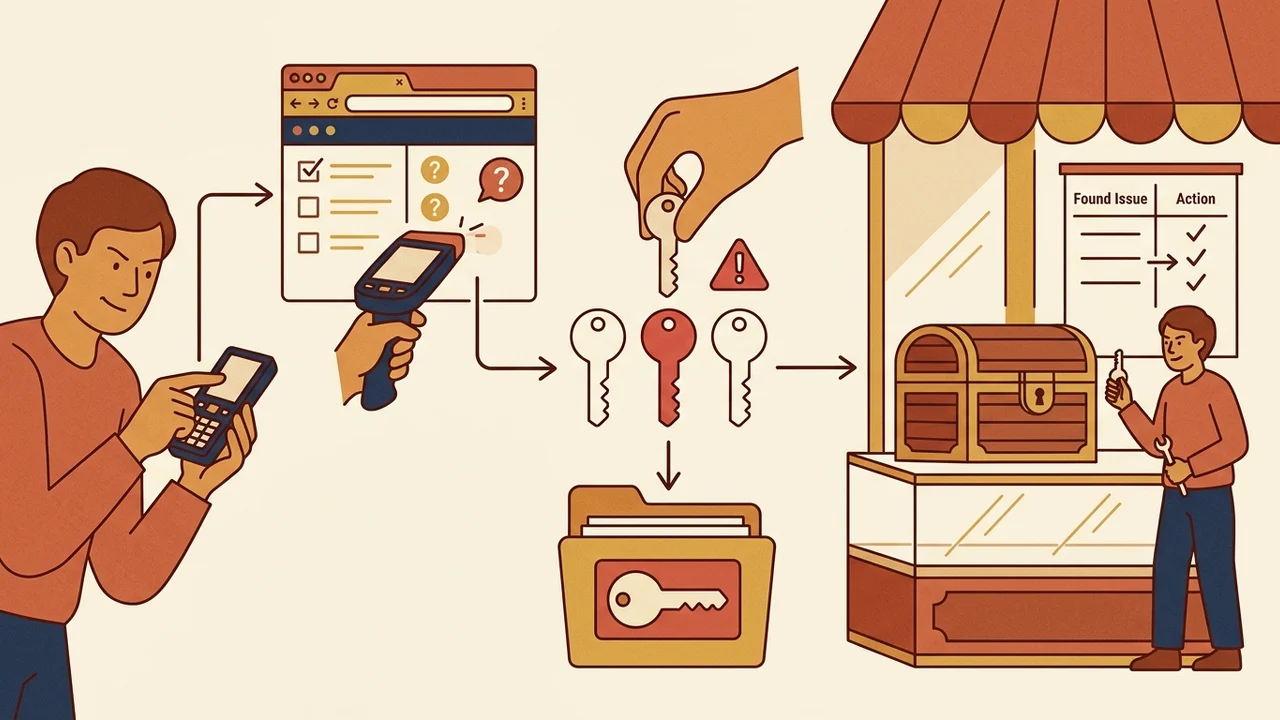
- Run the Audit: Go to
scan.bubble.ioand start a security scan of your application. - Review Flags: Exposures show up under «Secret key exposure». Bubble's documentation files them under «Sensitive credentials or parameters exposed».
- Inspect the Location: The dashboard sidebar explains the issue, shows where the credential lives, and gives you a partial key snippet so you can tell which key it is.
- Navigate to the Fix: A «Fix in the editor» deep-link takes you straight to the matching field in the Bubble editor.
Where Non-Technical Builders Accidentally Leak Keys
- Unchecked "Private" parameters in API Connector: If an API parameter isn't marked "Private", Bubble sends it to the client side. Only parameters explicitly flagged as Private stay encrypted and restricted to server-side operations.
- Public plugin inputs: Some third-party plugins expose their configuration fields to the browser. Put a secret key there and it's public.
- Client-side workflows: API calls that need sensitive headers get triggered directly from page elements instead of going through backend workflows.
- Secrets in URLs: Sensitive values or tokens like
api_tokenpassed in URLs. This comes up a lot on the Bubble and Stripe community forums, because webhook endpoints with raw tokens in them can be logged or show up in external dashboards. Same topic: Orange Builder (30 Sep): AI.
The Mandatory 4-Step Response (Mitigation)
Making a leaked key private in Bubble only stops future leaks. It does nothing about a credential that's already out. Here's what I do:
- Rotate Credentials Immediately (Revoke & Re-issue): Bubble's documentation explicitly calls credential rotation vital and singles out Stripe integrations. If a secret was visible in client code, I assume it was scraped. Go to your provider's dashboard (Stripe, OpenAI, etc.), revoke the compromised secret, and issue a fresh one.
- Secure the Storage in Bubble: Make sure every API Connector parameter holding a credential is marked Private, or keep the credential in protected server-side plugin fields.
- Move Sensitive Actions to Backend Workflows: API calls that handle payments, webhooks, or confidential customer data belong in Backend Workflows, not in front-facing page logic.
- Clean URLs and Query Strings: Strip static tokens and secret values out of external URL definitions and webhook paths.
Realistic Limitations of Automated Detection
Bubble's own documentation says automated tests can't guarantee 100% detection and may miss some credential exposures. A clean report on scan.bubble.io doesn't replace proper Privacy Rules, solid backend authentication, or spending limits on your external API dashboards.
I treat the Secrets Scanner as an early warning. The rule I build on is simpler: client-side code never touches private keys.