OpenAI Agents API Beta: Harness, MCP, and Sandbox Checks Before You Wire Bubble
OpenAI launched the public beta of its Agents API with a managed harness, MCP support, and hosted sandboxes. Here is a practical evaluation checklist for solo Bubble builders launching fast MVPs.
In September 2026, OpenAI launched the public beta of its Agents API. For non-technical founders, solo makers, and vibecoders using nocode tools to ship MVPs quickly, the promise is clear: offload the heavy infrastructure of autonomous agents. Instead of configuring background job queues, session stores, or retry logic, OpenAI provides a managed harness derived from Codex. However, connecting this beta API to a Bubble application requires understanding where the managed layer ends and where your responsibility begins.
What the Managed Harness Actually Offloads
When testing early product ideas, speed is everything. The managed harness eliminates significant engineering overhead by providing:
- Durable session management and turn resumption;
- Context compaction for extended interactions;
- Built-in retry loops and subagent routing;
- Hosted tools like web search alongside programmatic tool calling.
From a cost perspective, there is no separate Agents API platform fee. You pay for model tokens, tool execution rates, and container runtime if an OpenAI-hosted sandbox is enabled.
The Three Architectural Roles
The official Agents API documentation breaks down every deployment into three tiers:
- The Harness — OpenAI-hosted execution and session loop.
- The Environment — Optional runtime:
none,openai_hosted(managed Linux container), orself_hosted/ partner infrastructure (such as Cloudflare, Modal, or Daytona). - Your Application Server — Your custom backend or frontend platform (in this case, Bubble).
Crucially, the harness does not run your business logic automatically. If your agent requires custom functions (function tools), your application server must handle the agent.session.requires_action event and return tool outputs. For a Bubble builder relying exclusively on client-side or built-in workflow actions, receiving webhooks, handling streaming responses, and managing execution timeouts may require a lightweight worker between Bubble and OpenAI.
Connecting MCP to Your Backend
Model Context Protocol (MCP) support allows agents to interact with external tools and datasets. It is important to note that no native "Bubble MCP plugin" exists out of the box. Integration depends on two connection architectures:
- Public HTTP MCP (
connection_origin: service): Works withenvironment.type: none. OpenAI connects directly to your public HTTPS MCP server. Credentials can be passed inline or stored securely via vault authentication. - Private / Environment MCP (
connection_origin: environment): Runs inside the sandbox (openai_hostedorself_hosted). Useful for internal network targets or stdio-based MCP servers (note that hosted stdio MCP currently requires active network egress).
If your MVP only needs to trigger standard Bubble Data API queries or basic external actions, standard function tools or public HTTP MCP endpoints are simpler and avoid the overhead of sandbox configuration.
Deciding on Sandboxes: none vs. openai_hosted
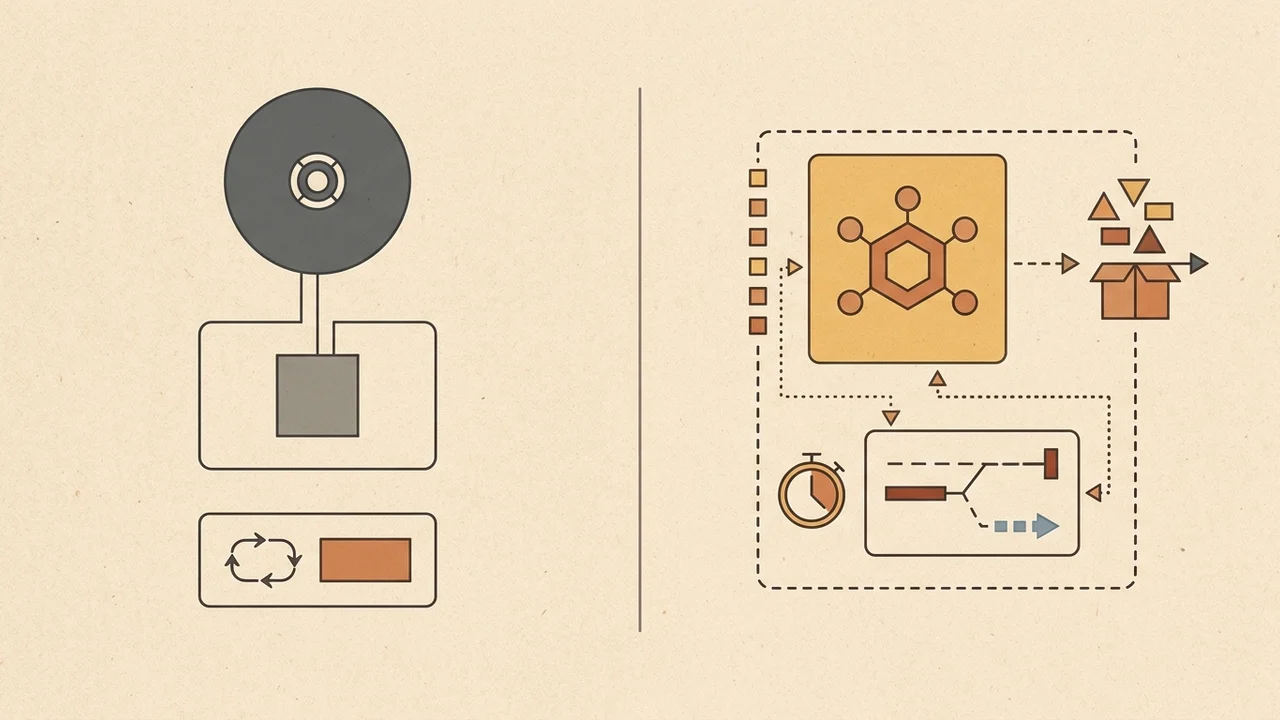
The OpenAI-hosted sandbox provides an ephemeral Linux container (/workspace) with package management, file outputs (/workspace/outputs), a ~1-hour idle timeout, and separate container pricing. Network egress can be set to disabled, restricted (exact host allowlist), or enabled.
- Choose
environment.type: noneif your agent handles Q&A, reads structured knowledge, or calls APIs via HTTP. This keeps latency lower, billing simple, and eliminates container state management. - Choose
openai_hostedonly if the core value of your MVP requires code execution, file parsing, or running environment-level MCP processes.
Security note: Code executed in the sandbox can read environment variables in env. Do not put sensitive production API secrets into plain sandbox environment variables; rely on vault credentials where supported.
Governance, Latency, and Competitor Checks
Before wiring the beta into user-facing production workflows, review several critical constraints:
- Data Residency & Retention: Agents API is currently US-only and does not support Zero Data Retention (ZDR), even if you configure a self-hosted sandbox. Session states and histories persist to enable resume capabilities.
- Beta Stability: Requests require the
OpenAI-Beta: agents=v1header. Endpoint interfaces and supported models (such asgpt-6-astrain documentation examples) are subject to change prior to general availability. - The Ecosystem Context: As InfoWorld reported, managed agent platforms solve infrastructure headaches but raise vendor concentration concerns. Direct alternatives include Anthropic Claude Managed Agents (in public beta since April 2026) and AWS Amazon Bedrock AgentCore (managed harness GA since June). When weighing alternatives, consider whether your roadmap requires vendor-neutral model switching, strict European data residency, or zero-retention privacy guarantees.