Bubble AI planning sessions: structured Q&A before generation — keep the spec off the model
On August 31, 2026, Bubble introduced 'app planning sessions' for its AI generation workflow. For non-technical founders building MVPs, this interactive Q&A is the best opportunity to trim scope, clarify roles, and keep product ownership before generation starts.
The Shift: Interactive Discovery Instead of a Blind Loading Screen
Until recently, generating a new application with AI in Bubble followed a predictable pattern: submit an initial prompt, watch a loading indicator, and hope the resulting database structure, visual components, and workflows aligned with your business logic. When the output missed the mark, builders spent hours untangling auto-generated clutter.
On August 31, 2026, Bubble introduced app planning sessions to restructure this entry flow. Instead of jumping directly into generation, builders now enter an interactive planning workspace: A closer look: Bubble AI planning: structured Q&A.
- Clarifying Questions: Bubble analyzes the initial prompt, identifies underlying assumptions, and prompts the builder with structured questions (multiple-choice or free-text answers).
- Dynamic Reviewable Plan (Features & Scenarios): As you answer, Bubble assembles capability cards under Features and user-perspective stories under Scenarios (e.g., "As a user, I can...").
- Visual References: Builders can upload reference images that Bubble takes into account during the initial design generation. Worth reading next: Bubble AI planning sessions: structured.
A persistent Generate button remains accessible in the top-right corner, meaning the planning phase is entirely optional and can be exited whenever the builder chooses.
The MVP Trap: The Temptation of Hitting "Generate" Too Soon
For non-technical founders racing to launch an MVP and validate market demand, the immediate availability of the "Generate" button is a huge temptation. The instinct in vibecoding is often speed above all else: get a live prototype into user hands within 48 hours to collect feedback or show traction to early backers.
However, bypassing the planning questions or accepting every default recommendation introduces a subtle failure mode: delegating your product spec entirely to the model.
When a model fills in the gaps unchecked, it defaults to common generic patterns—multi-tiered user management, superfluous dashboard widgets, and complex profile settings. For a lean MVP, these extra elements create friction, slow down iterative changes, and confuse the actual value proposition you set out to test.
Methodology: Turning Q&A Into Your Own Product Boundary
Bubble’s official documentation advises builders to outline the app type, target audience, core capabilities, and visual direction in their prompts, while explicitly advising against micro-managing layouts or embedding low-level technical specifications (such as rigid database schemas or custom API definitions).
To keep ownership of the application spec without fighting Bubble's AI prompt guidelines, adopt this builder checklist during the planning session:
1. Pin Down Roles and Permissions Early
Bubble’s clarifying questions frequently target user types and access rules. If you are building a marketplace, booking tool, or directory, ensure the Scenarios view strictly separates user capabilities. If an end customer should only view available slots and confirm a booking, ensure the model has not scheduled scenarios where they can alter provider profiles or view system logs.
2. Define Product Concepts, Not Database Schemas
You don't need to specify Postgres tables or data relationships. Instead, focus on defining the business rules. In Bubble's gym booking example, clarifying whether sessions are individual bookings or recurring class passes fundamentally reshapes the generated workflows and schedule views. Answering these functional questions upfront prevents structural rewrites post-generation.
3. Aggressive MVP Cuts: What NOT to Generate
The most potent lever in the planning session is the ability to inspect and delete Feature cards before the app is built. Ask yourself: does this feature directly validate day-one demand? If push notifications, automated marketing loops, or multi-currency support are not strictly required for your initial 10 test users, delete those cards from the plan. Fewer generated workflows mean a faster, cleaner launch.
4. Provide Visual Guardrails via References
Instead of crafting complex prompt paragraphs to describe exact pixel coordinates—which Bubble recommends avoiding—upload 1 or 2 reference screenshots that capture the intended layout hierarchy and aesthetic tone (e.g., clean modern SaaS or high-contrast mobile view). This guides the generator effectively without fragile prompt hacking.
Pre-Flight Checklist Before You Generate
Before clicking the top-right Generate control, run through this quick check:
- One Core Loop: Does the Features list isolate the single interaction that solves your user's primary problem?
- Sanitized Scenarios: Have you reviewed the user stories to ensure no unintended permissions or unnecessary user flows were hallucinated?
- Pruned Backlog: Have you removed all features that could easily be handled manually during the initial validation stage?
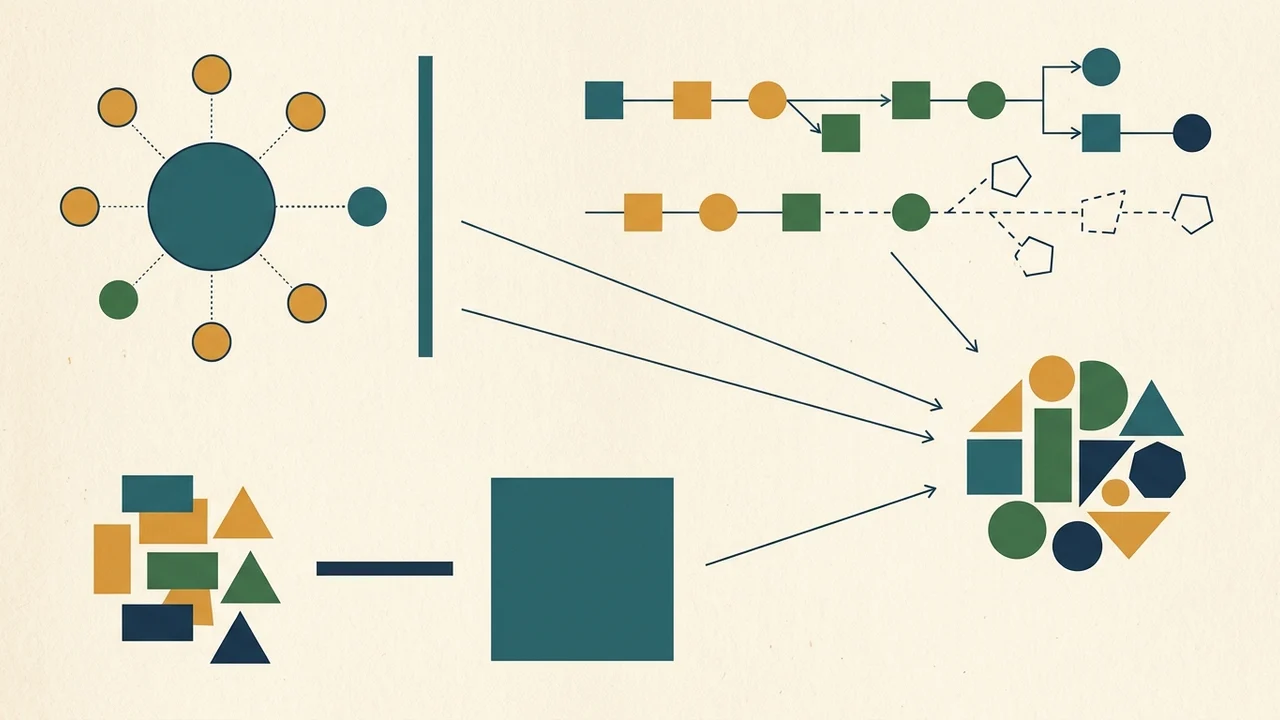
Bubble's planning sessions do not export an external specification document, but they provide critical pre-build friction. Use that friction purposefully: keep the product decisions and scope boundaries in your hands, and let the AI handle the initial scaffolding within the boundaries you set. Same topic: Bubble AI planning sessions: structured.