Bubble AI planning sessions: structured Q&A before you hit Generate
Bubble has replaced the passive generation waiting screen with interactive app planning sessions. Here is a practical, step-by-step pre-build ritual for non-technical founders looking to validate an MVP without rebuilding from scratch.
For non-technical founders and vibe coders racing to get an MVP in front of early users or investors, one-shot AI generation often feels like an unpredictable gamble. Historically, the Bubble AI flow followed a straightforward prompt-and-wait model: enter a text prompt, watch a loader, and inspect a relatively static blueprint with little room for structural edits before the full application is generated. If the AI made wrong assumptions about core logic or database relationships, builders spent hours untangling workflows inside the editor.
On August 31, 2026, Bubble introduced app planning sessions for its AI app creation workflow. Instead of jumping straight into a passive build screen, users now enter an interactive planning dialogue where Bubble poses targeted clarifying questions based on assumptions detected in the initial prompt.
For builders prioritizing fast feedback cycles over technical complexity, this transforms AI generation from an unpredictable black box into a structured scoping ritual.
What Bubble AI Planning Sessions Actually Do
Based on Bubble’s official announcement, the planning stage introduces several collaborative mechanisms that take place before generation begins:
- Clarifying questions for product-behavior forks. Bubble detects ambiguous requirements in your prompt and surfaces specific operational choices. In a gym-booking application, for example, it asks whether the business operates on recurring class schedules or standalone session bookings. The underlying plan and data structures update dynamically based on your choice.
- Multiple choice and open-ended input. Builders can select pre-populated recommendations or type custom free-form replies when standard templates do not match their intended operational flow.
- Direct plan editing. Rather than treating the generated plan as immutable, users can manually edit, reorder, or delete features and user stories right on the canvas.
- Visual styling and image references. The interface allows founders to configure visual vibe and upload reference screenshots that inform the visual direction of the generated UI.
- Live plan synchronization. Every answer and manual edit continuously reshapes the real-time plan visible on screen.
- Optional exit via early generation. A top-right «Generate» button remains accessible at all times, allowing users to cut the planning session short and initiate building whenever they choose.
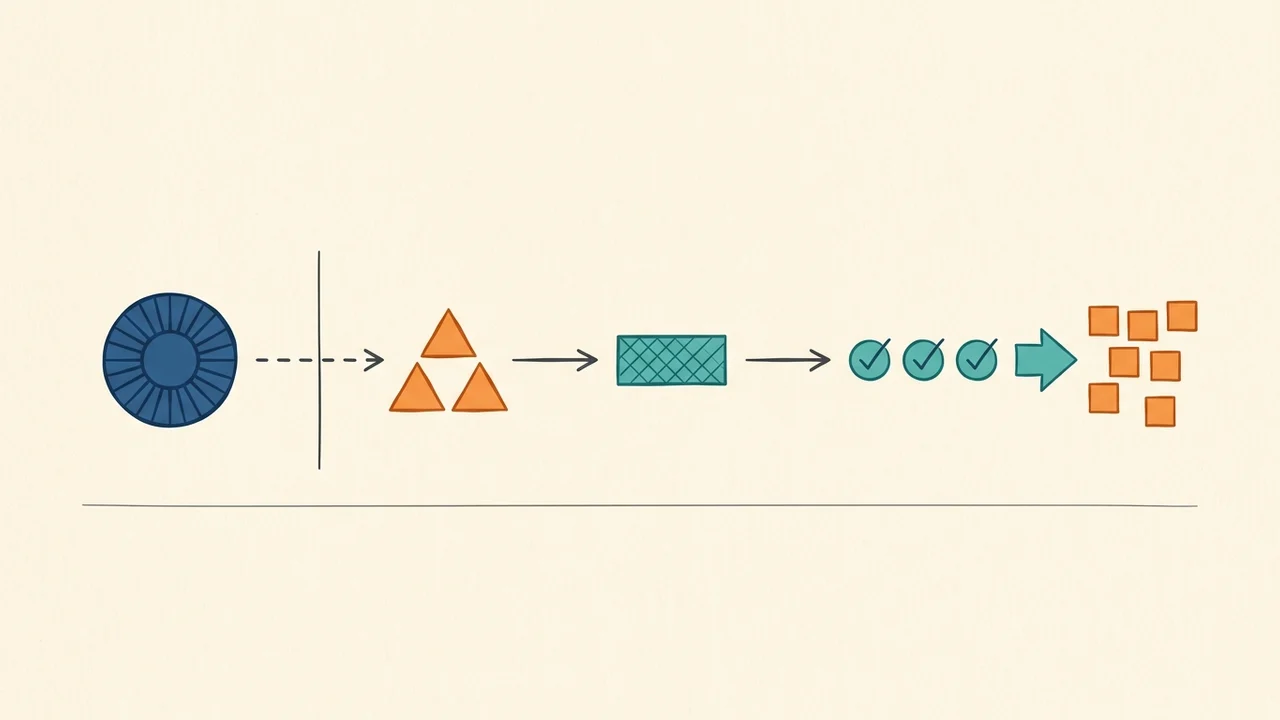
The 4-Step Pre-Generate Ritual for MVP Builders
When launching an MVP, the goal is not to see how many features an AI can spit out, but to validate a core premise with real users as quickly as possible. Here is how to structure your planning session to protect that focus:
Step 1. Define distinct roles and core actions in your opening prompt
Bubble’s onboarding guidance stresses the importance of clearly naming user roles and their respective primary actions. Avoid vague prompts like «Build an Airbnb for pet sitters». Instead, anchor your initial input:
- Define the actors (e.g., Pet Owner, Pet Sitter, Platform Admin).
- Define each actor's single non-negotiable action (Owner lists a pet and reserves dates; Sitter approves requests; Admin manages payouts).
Giving the AI explicit roles upfront ensures that its subsequent clarifying questions target meaningful operational boundaries rather than generic platform defaults.
Step 2. Treat behavior forks as scope constraints
When Bubble presents clarifying questions about feature behavior, resist the temptation to select comprehensive or multi-tier options. If the system asks whether you need both instant booking and request-based approvals, choose the single simplest flow that lets you test user demand.
Every option you select adds complexity to database fields and page conditions. Use the Q&A as a pruning exercise to keep your MVP lean.
Step 3. Manually strip non-essential User Stories
Once the Q&A populates the feature and user story lists, review them with a critical eye. Bubble will naturally suggest secondary conveniences—password resets, profile avatars, complex sorting filters, or administrative dashboards.
Delete every user story that does not directly contribute to the primary transaction. If visual appeal is important for your product validation, upload 1–2 clean reference screenshots rather than trying to describe complex layouts in text.
Step 4. Add monetization and user acquisition checkpoints manually
Important distinction: Bubble’s planning session announcements focus squarely on features, behavioral choices, and styling. The native Q&A does not systematically interrogate you about pricing models, payment gateways, or customer acquisition funnels.
Because an MVP exists to test business viability, you must inject these requirements manually into your plan:
- Add a dedicated user story specifying when and how payment occurs (e.g., «User pays a flat deposit via card before the booking is confirmed»).
- Ensure the public-facing entry page captures basic contact information for visitors who do not immediately convert.
Limitations, Risks, and Reality Checks
While structured planning is a major step forward from blind prompt execution, non-technical founders should bear several realities in mind:
- Early generation risks half-baked architecture. The presence of the persistent «Generate» button tempts builders to skip questions when they are eager to see visual progress. Bypassing clarification leaves underlying data relationships ambiguous, leading to more manual cleanup later.
- No guarantee of production readiness or security. Bubble positions planning sessions as a way to align the app closer to user intent, not as an automated audit. The AI does not guarantee robust privacy rules, airtight security configurations, or production-grade workflow efficiency. You will still need to inspect privacy settings in the Bubble editor before handling real customer data.
- Evolving feature state. Planning sessions represent a new feature layer that is still maturing within the Bubble ecosystem. Exact question categories, question counts, and interface behaviors may continue to change.
Use Bubble AI planning sessions for what they are: an effective, structured sparring partner to clarify your MVP scope before a single database table is created.