Bubble AI Planning Sessions: Structured Questions Before Generation, Not “Just Build the App”
Bubble rolled out app planning sessions for its AI app generator, replacing passive wait times with interactive Q&A. Here is how non-technical founders can use them to shape real MVP logic instead of settling for generic scaffolds.
When non-technical founders explore no-code and vibe coding to validate an MVP, the primary goal is rapid hypothesis testing: getting an idea in front of prospective customers, collecting feedback, or presenting early traction to angel investors. The standard generative AI workflow, however, frequently stumbles: a vague prompt like "build a booking platform" often yields a generic database and placeholder screens lacking real business mechanics. Worth reading next: Shopify Canvas: Building a Storefront.
On August 31, 2026, Bubble introduced an update to its AI generation workflow: app planning sessions. Instead of dropping users into a passive loading screen right after entering a prompt, Bubble now opens an interactive planning workspace. This pre-generation stage lets creators shape app architecture before any page elements or workflows are rendered. A closer look: Bubble AI planning: structured Q&A.
How Planning Sessions Work
Bubble surfaces clarifying questions derived directly from the assumptions detected in your initial prompt. Founders can select suggested multiple-choice answers, provide custom text responses, and upload visual reference images to direct styling.
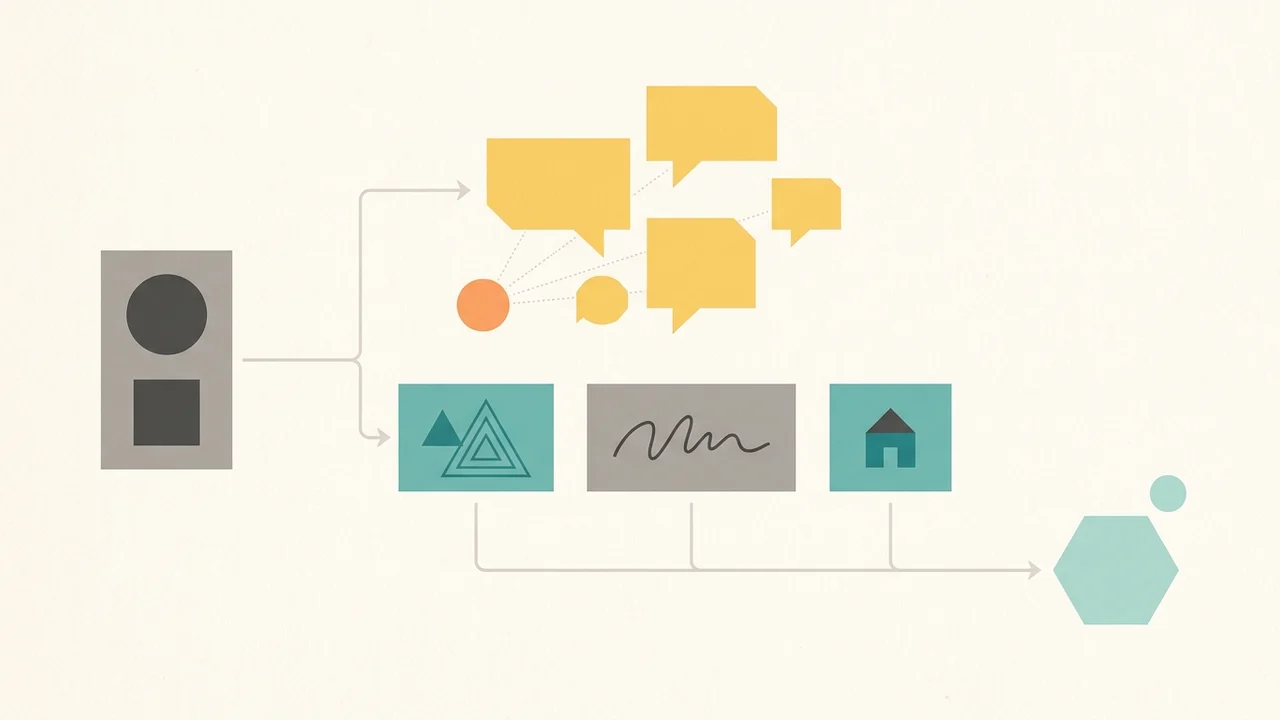
In a documented example shared by Bubble, creating a gym booking app prompts the AI to ask whether members book recurring class series or single sessions. Choosing recurring series automatically injects recurring booking logic and a schedule view directly into the plan before generation begins. A closer look: Bubble AI planning sessions: structured.
As you respond, the plan updates incrementally across two primary pillars:
- Features: Capability cards describing core platform functionality.
- Scenarios: User stories structured in the standard "As a [user], I can..." format.
The Generate button remains permanently accessible in the top-right corner, keeping the planning session optional. However, leaning into the Q&A is what prevents the AI from falling back on generic, unusable scaffolds.
A Practical Pre-Generation Ritual for Founders
Bubble’s planner initiates questions dynamically rather than through a static public checklist. To steer the planner effectively without a technical background, apply these practical steps:
- Define domain boundaries early. Bubble's documentation highlights that prompt inputs should state the app type, target users, core features, and visual style, while avoiding low-level stack instructions or micro-layout specifications. Clearly distinguish user roles (e.g., buyer vs. seller, member vs. instructor) in your initial prompt.
- Treat AI questions as product decisions. Suggested multiple-choice options highlight key operational divergences: billing models, access rules, or single-use vs. subscription flows. Selecting or refining these options establishes your business mechanics upfront.
- Provide custom text when choices miss the mark. Do not settle for suggested defaults if they do not match your validation goal. Type specific constraints directly into the answer box.
- Prune Features and Scenarios prior to building. Review the capability cards and stories. Remove non-essential secondary features so your initial build remains focused on the primary testable loop.
Concrete Limitations and Practical Realities
While planning sessions reduce ambiguity around feature mechanics and permissions, founders must account for documented beta constraints:
- Vague prompts still produce generic builds. The planner deduces questions from prompt assumptions; vague inputs lead to generic questions and surface-level plans.
- External integrations require manual setup. Core services like Stripe are not fully wired from prompts alone; API keys and webhook configurations still require manual intervention.
- Post-generation inspection remains essential. AI app generation and the AI Agent remain in beta. Data types, Privacy Rules, navigation structures, and workflows must be manually verified in the Bubble editor before onboarding real users.
App planning sessions offer a structured bridge between an early concept and a functional MVP. For founders launching fast, investing a few minutes in clarifying questions before hitting generate ensures the resulting build tests a genuine business idea rather than an empty scaffold.