Cursor Projects: subagents and long sessions as a spec workspace, not a Bubble runtime
How non-technical founders and Bubble builders can use multi-hour Cursor Projects sessions for system specs and architecture without breaking native Bubble workflows or creating runtime drift.
When a non-technical founder or solo builder sets out to launch an MVP quickly using no-code tools and vibe coding, the single objective is reducing time to user feedback and early traction. Modern AI features like Cursor Projects and long-running autonomous sessions make it tempting to let an agent take over everything from initial requirements to running app logic. A closer look: OpenAI Agents API (public beta):. Worth reading next: OpenAI DevDay: Codex cloud envs,.
For Bubble developers, however, this introduces a serious architectural risk. Treating an external coding agent as your application runtime or bypassing native Bubble planning leads to architectural fragmentation, conflicting logic, and hard-to-debug failures. Here is where and why to draw the boundary. Worth reading next: OpenAI Agents API Beta: Harness,. Worth reading next: Why You Don't Need ai.
Two Separate Ecosystems: Git Workspace vs. Live Bubble App
To move fast without losing control of your MVP, distinguish between two fundamentally different layers:
- Cursor Projects & Cloud Agents:
- Built around the traditional software engineering stack: Git repositories, isolated dev environments, PR reviews, CI pipelines, MCP servers, and optional browser/computer use.
- Operating under a coordinator model: a primary coordinator agent breaks down work and delegates to subagents across isolated context windows.
- Capable of long horizons, retaining shared context files over long periods, and waking via subscriptions (GitHub PR/CI events, Linear/Slack updates, and timers up to 180 days).
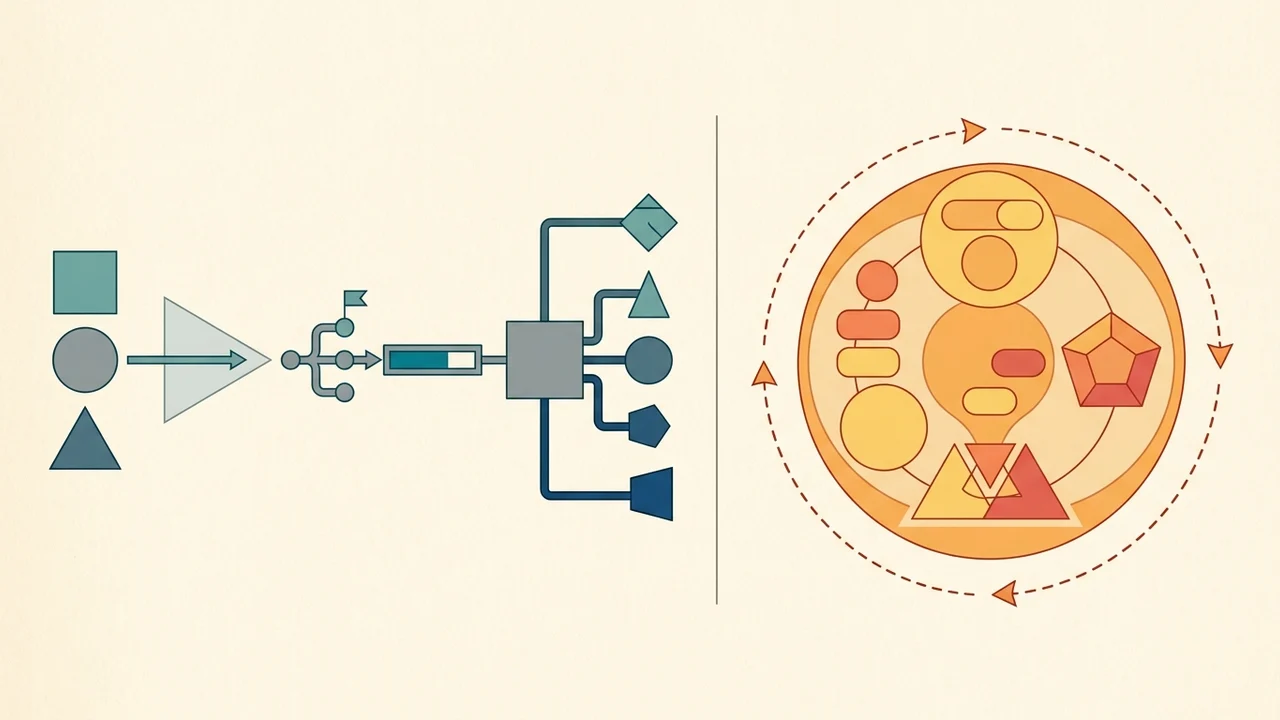
- Bubble AI Agent:
- Runs directly inside the Bubble editor.
- Generates and modifies native database types, user interfaces, and client/server workflows.
- Directly mutates the actual state and context of your Bubble application.
If you allow an external agent session to bypass the platform's native editor or try to treat it as an active runtime coordinator, you introduce autonomy drift—where two autonomous systems plan contradictory changes and duplicate efforts.
Where to Cut the Session: The Practitioner Boundary
For founders building an MVP, the rule of thumb is straightforward: Cursor is your engineering and specification workspace; Bubble is your runtime execution layer.
What to assign to Cursor long sessions and subagents:
- Drafting detailed product specs (PRD) and architecture records (ADR) in Markdown.
- Designing API contracts: preparing OpenAPI/JSON schemas for webhooks, external integrations, and the Bubble API Connector.
- Isolating external logic: building and testing standalone custom code, serverless routines, or data transformation scripts before connecting them to Bubble.
- Exploration via subagents: delegating API research and edge-case validation to isolated background contexts so the main session context is not diluted.
Where the Cursor session must end:
- Stop at the artifact boundary. A Cursor session should finish by producing clean, verified artifacts: a schema definition, an API contract, or an integration guide.
- Hand off implementation to Bubble. Once the spec is settled, take those structured requirements into Bubble. Use the in-editor Bubble AI Agent or visual builder to create the actual data fields, UI components, and workflows. Bubble's native agent understands internal app dependencies and constraints far better than any external repository agent.
Operational Realities and Technical Limits
When shipping an early product, base your workflow on documented vendor behavior rather than release hype:
- Context Window Management: In the local Cursor IDE, each chat has a fixed context window. As conversations lengthen, older turns are automatically summarized and compressed. Subagents provide context isolation for specialized research, but they do not eliminate the need for disciplined, modular prompts.
- Long-Running Agents Status: Cloud-based long-running agents remain in research preview for Ultra, Teams, and Enterprise tiers. While anecdotal blog examples highlight runs of tens of hours (up to ~52 hours), these are research preview benchmarks, not guaranteed SLA maximums. Public docs note they require configured dev environments and admin enablement, and are unavailable for multi-repo environments.
- Data Residency and Retention: Projects run on Cloud Agents with cloud-backed workspaces, which are excluded under Privacy Mode (Legacy) and Enterprise. VM workspaces are recycled after inactivity (with VM snapshots retained up to 90 days). Keep compliance and security requirements in mind if storing sensitive MVP data. A closer look: n8n Assistant 2.35+: preview Agents,.
Summary for Founders
Winning with no-code and AI comes down to respecting the natural strengths of each tool:
- Use Cursor Projects and subagents to think, specify, and test complex logic without polluting your production app.
- Use Bubble as the living, visual runtime where validated specifications become interactive software in days, giving you the clarity needed to gather real customer feedback and pitch early investors.