What Bubble Really Costs for an MVP: How to Read the Pricing Page Before You Commit
How I read Bubble's pricing page for a first MVP: match workload units, editor seats, and plan types to what the product actually needs, and don't overpay upfront.
The prototype works, and you're ready to take the app live. Then the pricing screen shows up. If you're building an MVP without deep technical skills, speed is the whole point. Nocode tools and vibe-coding let non-technical founders turn a concept into working software within days, so they can check early customer demand or show progress to angel investors. Get bubble.io pricing wrong at this step and you're locked into an expensive subscription before your first user signs up. Same topic: Business of Building 2026: Monetization. A closer look: From the AMA: Conversational Generation.
The mistake I see most often is picking a high-tier bundle billed annually, because the marketing headlines push all-in-one features. I read the pricing page as a modular matrix and pick only the pieces I need right now.
The Fundamental Rule: Billing Is Scoped Per App
Bubble has no account-wide subscription that covers every prototype you build. Billing happens strictly at the project (app) level. Each application has its own plan and subscription settings. A closer look: Bubble AI planning: structured Q&A. Same topic: Bubble MCP Account-Wide vs Per-App:. A closer look: Bubble.io reviews and architectural fit:.
Every plan has two parts:
- Tier level: Free, Starter, Growth, Team, or custom Enterprise.
- Plan type: Web only, Mobile only, or Web + Mobile.
The main pricing page often leads with combined Web + Mobile rates billed annually. If your first MVP is a responsive web bubble.io app, don't budget off the combined packages. Pay only for the surface you're actually shipping.
Where to Check Current Limits and Conditions
I don't budget from third-party recap blogs or old screenshots. Bubble's own documentation is clear: if a guide or forum post conflicts with the live checkout flow, the live pricing pages and terms win.
I check these official pages in this order:
- The main pricing page: Bubble Pricing. It tells you what each tier is for. Starter covers the go-live basics: a custom domain, live database deployment, and backend workflows. Growth adds more compute capacity, live versions, and deployment controls. Team is about collaboration and higher concurrency.
- The full feature matrix: Bubble Plan Comparison. This table lists the hard ceilings: editor seats, log retention windows, version control history, and mobile build allocations.
- The workload details: Bubble Workload Pricing. It explains how workload units (WU) are counted and how tiered expansions work.
- Your application editor: go to Settings → My plan (My plan documentation). This is the only place that shows the exact add-ons and subscription options available for your specific app.
Core Dimensions to Map Against Your MVP
Before I enter payment details, I check the build against four requirements.
1. Workload Units (WU) and Overages
Workload Units measure the compute it takes to run your workflows, queries, and plugin actions. Bubble recommends building and testing your MVP on the Free plan so you can watch workload metrics in the editor's logs. That's where I start too.
Once you upgrade to a paid tier (Starter, Growth, or Team), your plan includes a monthly baseline of workload units. Go past it, and the default rate in the pricing FAQ is $0.30 per 1,000 WU, unless you have a dedicated workload add-on tier active. Free plans can't buy workload tiers or turn on pay-as-you-go overages. On paid plans you can switch overages off, but know the trade-off: if your app hits the limit with overages off, Bubble takes it offline until the next cycle or until you upgrade the tier manually.
2. Editor Seats and Team Collaboration
If you're building the prototype alone, you don't need an expensive collaboration tier. Bubble's collaboration manual says Free and Starter let only the app owner into the editor. If you need a second builder or a partner with editor access, you need at least Growth (up to two collaborators, owner included) or Team.
3. File Storage and Third-Party Costs
Plans come with standard file storage, but a media-heavy app may outgrow it. Per the Bubble Manual, extra storage is an add-on at $3/month per 100 GB. Outside hosting, budget for marketplace plugins (free, monthly subscription, or one-time fee) and external services like transactional email or AI APIs.
4. Web vs. Mobile Publishing
You can design and preview mobile apps on Free. Live native deployment, TestFlight distribution, and App Store publishing need a mobile-capable paid plan. There are also fees outside Bubble: publishing to iOS requires an Apple Developer Program membership. Bubble's documentation lists it at $99/year. Check that price with Apple directly.
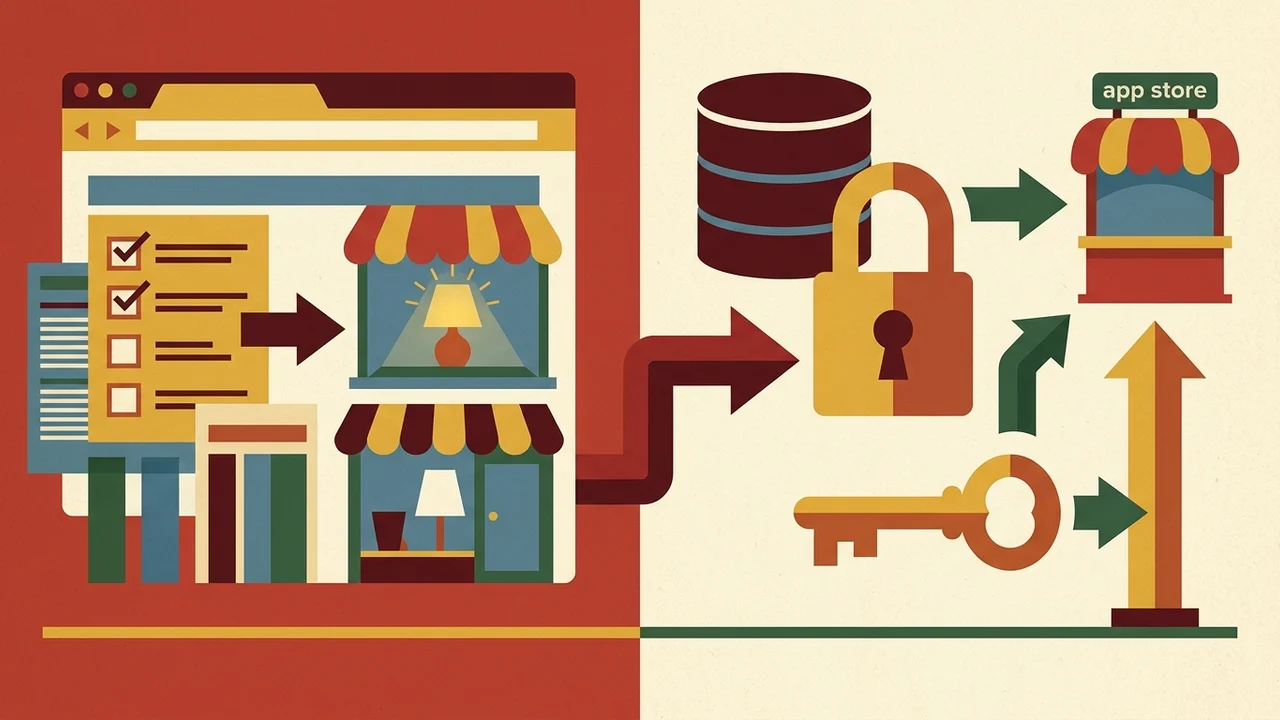
| Item | What it is for | What it is not for |
|---|---|---|
| Free plan | Design and preview mobile apps | Live native deployment, TestFlight distribution, App Store publishing |
| Mobile-capable paid plan | Live native deployment, TestFlight distribution, App Store publishing | — (design and preview are available on Free) |
| Apple Developer Program membership | Publishing to iOS (required fee outside Bubble) | Included in Bubble plans; Bubble docs list $99/year—confirm price with Apple |
Pre-Commit Checklist for Non-Technical Founders
These are the questions I go through before paying:
- Can the build stay on Free until launch day? Yes, as long as you don't need a custom domain or scheduled background tasks yet.
- Which milestone actually triggers payment? Connecting a custom domain, a live client beta, or app store submission.
- Am I building web and mobile in one project with a shared database, or as separate projects with separate subscriptions?
- Will more than one person edit the app at the same time?
- Have I set workload overage limits in Settings → My plan so the bill can't spike without warning?
- Does the billing cadence match? The app subscription and any workload tier add-on must share the same monthly or annual cadence, per the billing cycle guidelines.
- Am I eligible for the 14-day Starter trial? It's open to new apps within 10 days of creation. Use it for real testing, because it turns into a paid subscription automatically unless you cancel. A closer look: AI Coding Benchmarks: How to.
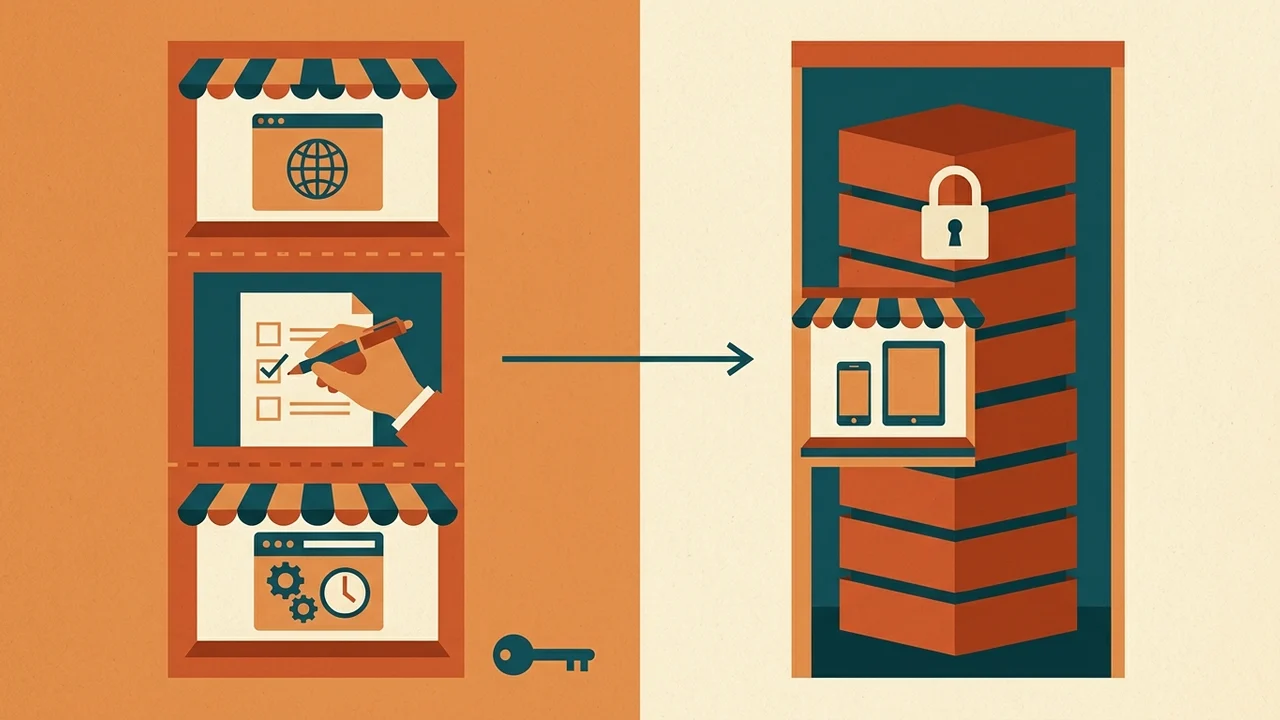
| Check | What to confirm | Key detail |
|---|---|---|
| Free until launch | Build can stay on Free through pre-launch | Yes, if you do not need a custom domain or scheduled background tasks yet |
| Payment milestone | Know what forces you onto a paid plan | Connecting a custom domain, a live client beta, or app store submission |
| Web, mobile, and editors | One shared project vs separate apps; concurrent editing | Decide one project with shared database vs separate projects (separate subscriptions); confirm whether more than one person will edit at once |
| Workload overage limits | Bill cannot spike without warning | Set limits in Settings → My plan |
| Billing cadence | App plan and workload add-on align | App subscription and workload tier add-on must use the same monthly or annual cadence (see billing cycle guidelines) |
| Starter trial | Real testing before commit | Eligible for new apps within 10 days of creation; 14-day trial auto-converts to paid unless you cancel |
My rule for the build stage: spend nothing the product doesn't force me to. I learn on Free and watch how much workload the app uses. Before deployment I check the live compare matrix again, then buy only the capacity the MVP needs today.